4-8 ADS TRITON+ Manual
Creating and Configuring a Monitor Location
1. (applies only when establishing a new location) Click on the
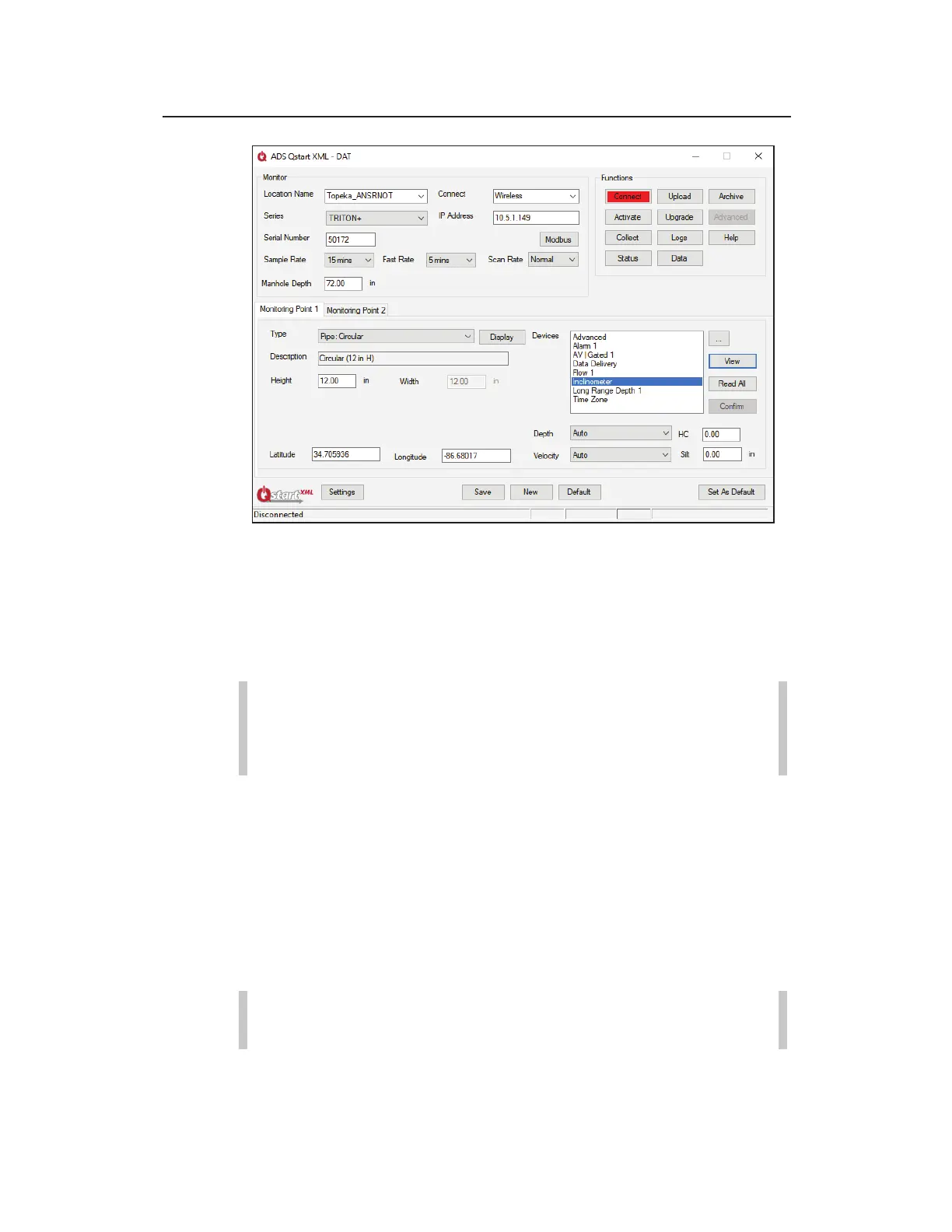
New button on the ADS Qstart
XML
dialog to set up the monitor
information for a new location. Using this option displays the
parameters corresponding to the Default Location identified
on the Settings dialog.
Note: If you have not designated or established a default
location, clicking New will populate the parameter fields
based on Qstart
XML
's default monitor configuration.
The ADS Qstart
XML
dialog displays the default parameters for
a new location.
2. Enter a name for the new location in the Location Name field
or select an existing location from the drop-down list. This list
contains all the locations available in the local or network
directory designated previously on the Settings dialog as the
Data Path. A location name may be up to 19 characters in
length.
Note: You can click on the Default button to update the
parameters for the current location on the ADS Qstart
XML



 To Next Page