Configuration and Activation 4-27
Editing the AV|Gated Sensor
This section describes the parameters for the AV|Gated device.
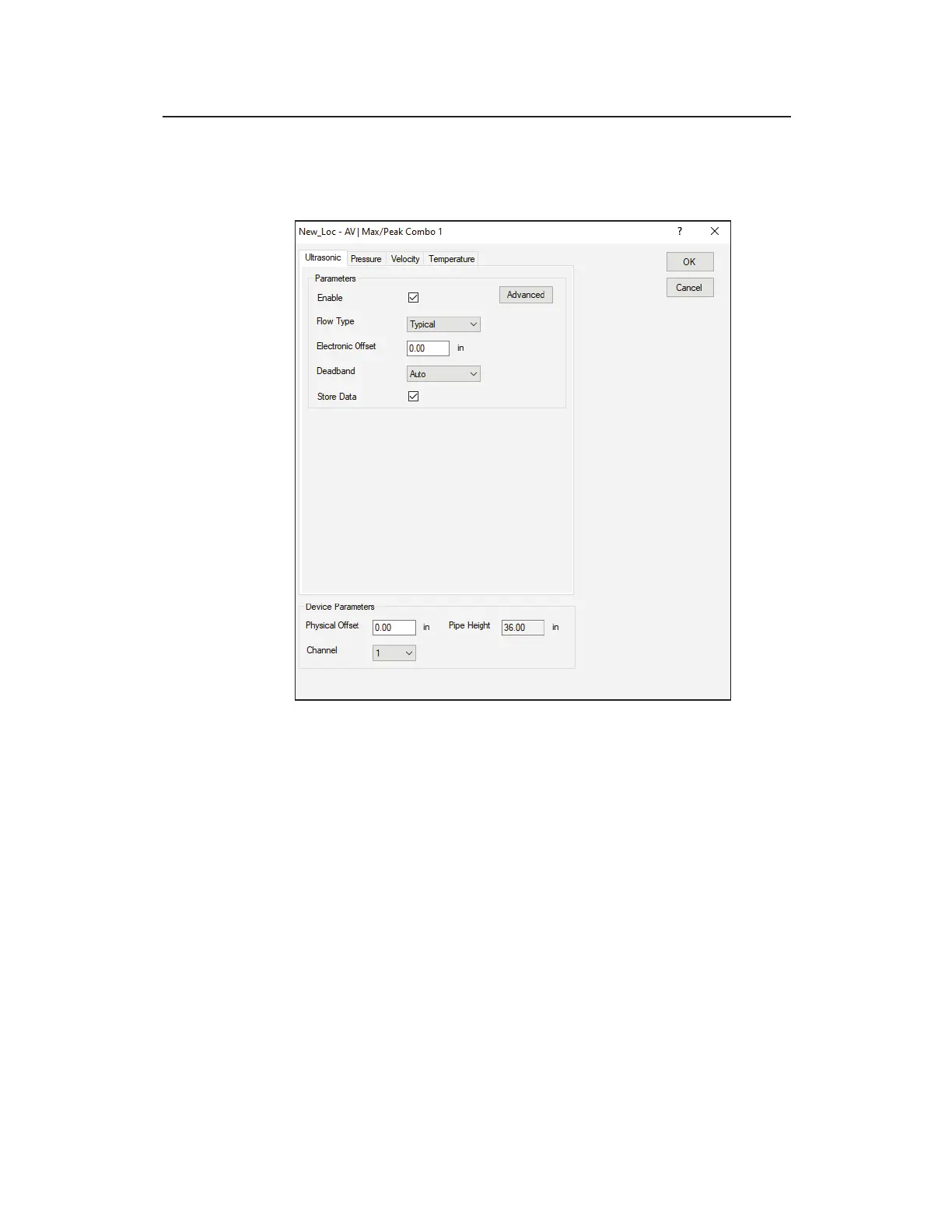
Edit the AV|Gated 1 parameters showing the Ultrasonic tab
Edit the Device Parameters located at the bottom of the dialog,
and then edit the individual tabs as described in the following
sections.
z Physical Offset The Physical Offset for the AV|Gated
sensor should always be 0.00 as the sensor should always be
installed at the bottom center of the pipe unless mounted on a
Silt Mount Adapter.
z Channel Select the channel number of the port on top of the
monitor to which the device is physically connected.
z Pipe Height This field displays the pipe height at the
monitoring point, based on the installation table. This
parameter is not editable from this location.



 To Next Page