Configuration and Activation 4-31
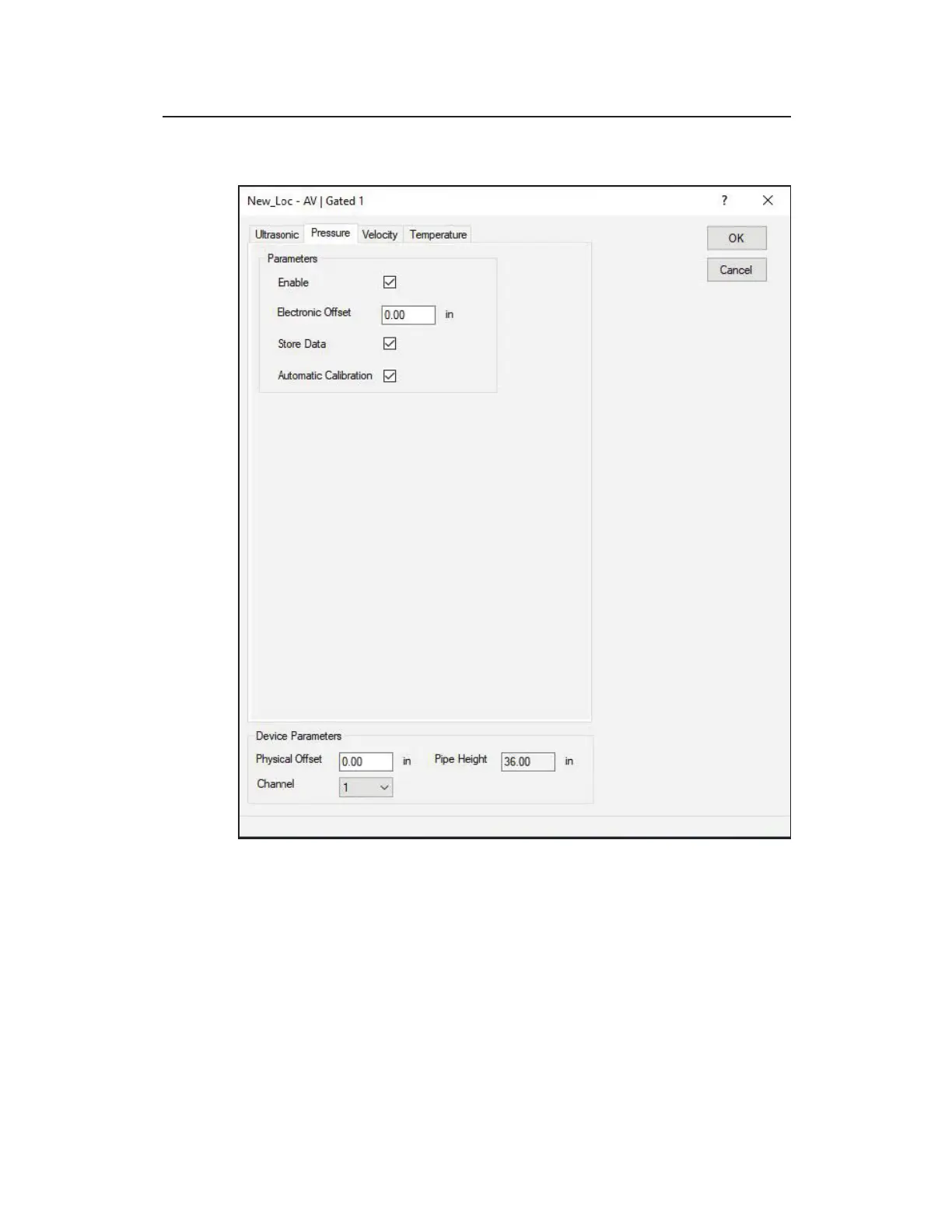
Pressure tab – AV|Gated
Edit AV|Gated 1 dialog displaying the Pressure tab
Edit the following parameters corresponding to the pressure depth
sensor in the AV|Gated sensor:
z Enable Select this checkbox to ensure the monitor begins
taking pressure depth readings at the designated interval once
activated. This option is selected by default.



 To Next Page