Configuration and Activation 4-37
Auto Select this option to allow the monitor to
automatically optimize the amplification of the signal.
Manual Select this option to enter the percentage of
full amplification at which to transmit the signal.
Enter a percentage between 10 and 100 percent, where
100 percent represents maximum amplification.
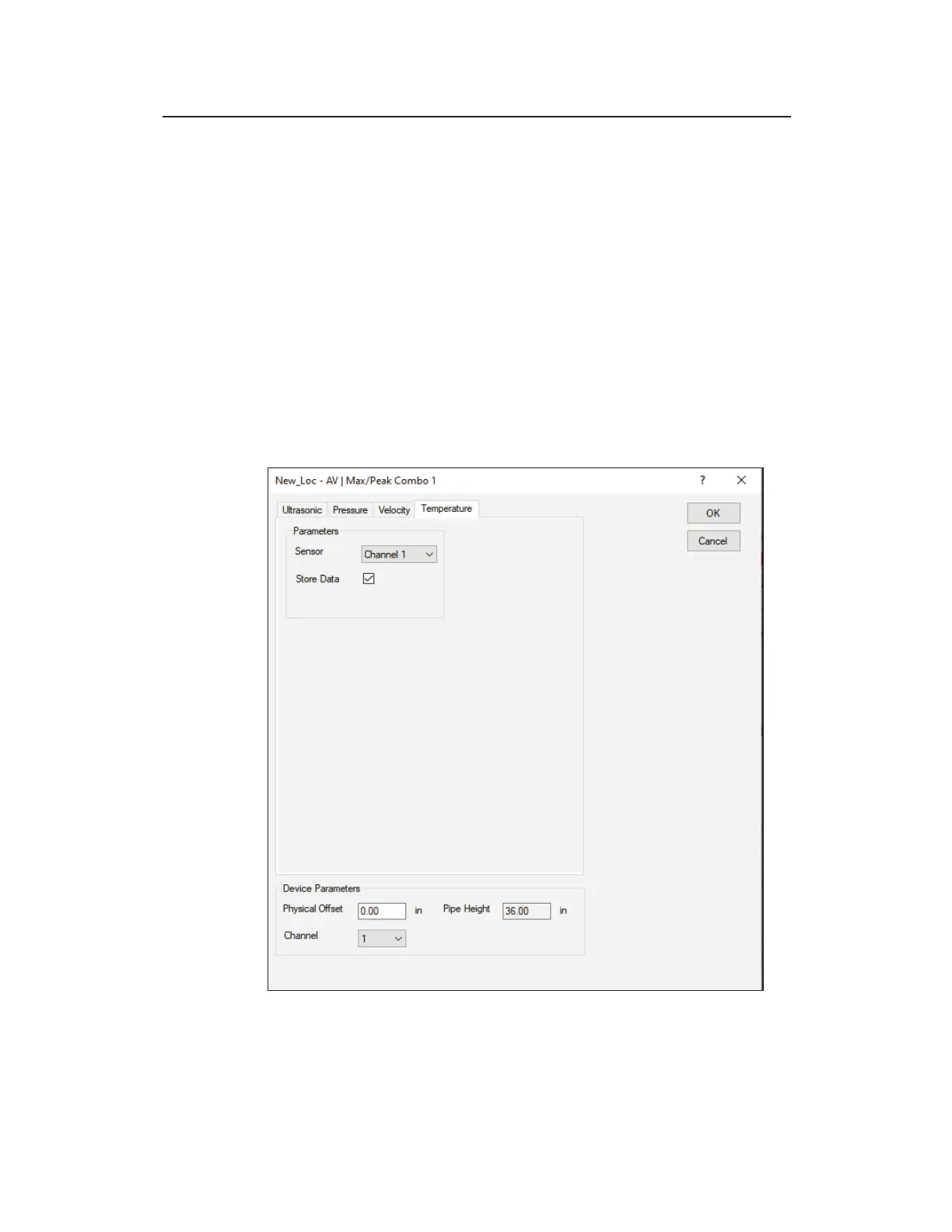
Temperature tab – AV|Gated
The temperature sensor measures the temperature of the flow at the
location at which the sensor is installed. The temperature is logged
at the same interval as the other entity data. The AV|Gated sensor
uses temperature data to calculate the speed of sound in water.
Edit AV|Gated 1 dialog displaying the Temperature tab



 To Next Page