4-42 ADS TRITON+
®
Manual
Editing the Flow Device
Configure the following parameters when you want the monitor to
calculate and record flow rate so that it is included when you collect
the data from the monitor.
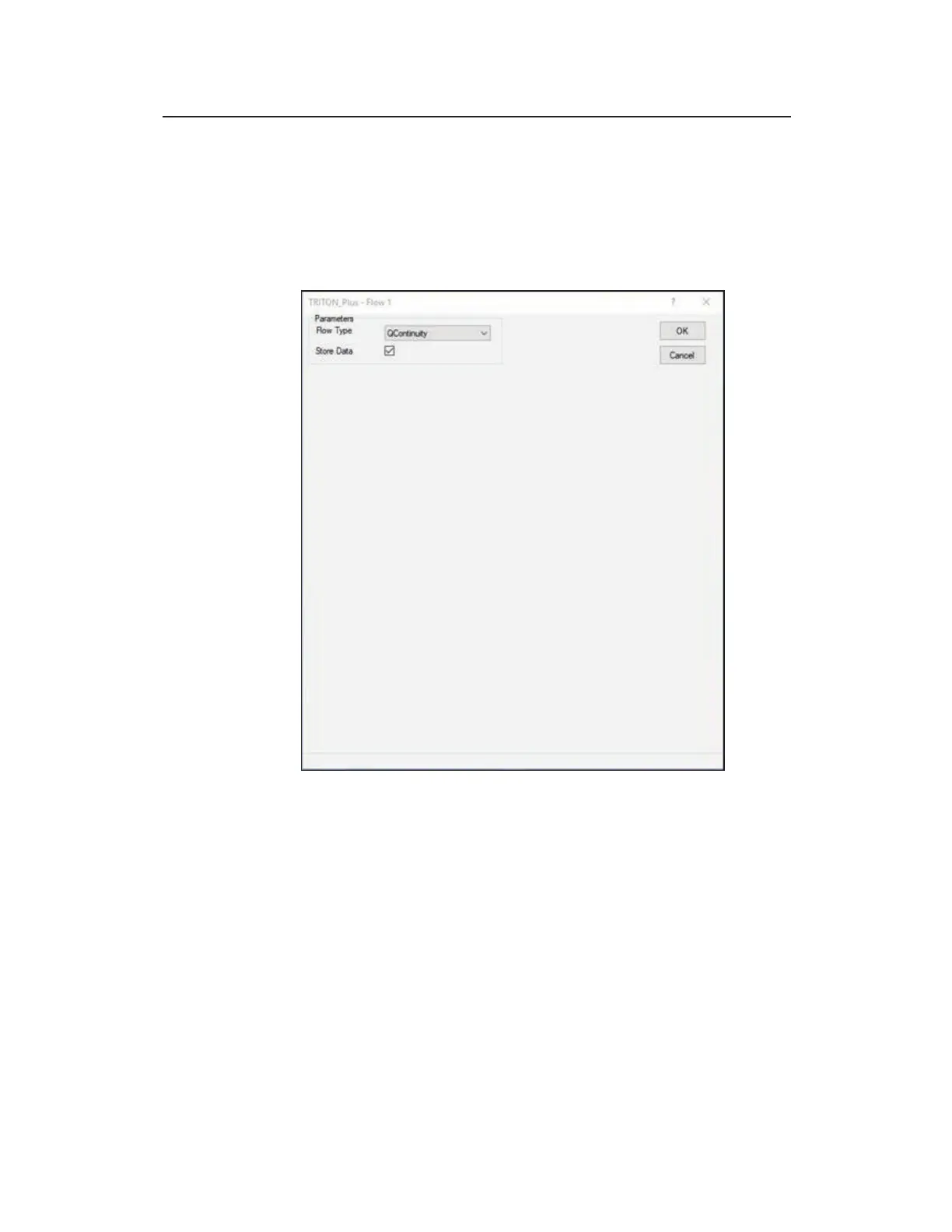
Edit Flow Device Properties dialog
Edit the Flow device in the following way:
z Flow Type Select the method trough which you want the
monitor to calculate flow rate based on depth and velocity or
depth only data from this drop-down list. Available options
include QContinuity, QWeir, QFlume, QLookup, or QManning
dependent upon the pipe installation selected and the
parameters entered.
z Store Data Select this checkbox to ensure the monitor stores
the flow data to memory. This option is selected by default.



 To Next Page