Configuration and Activation 4-43
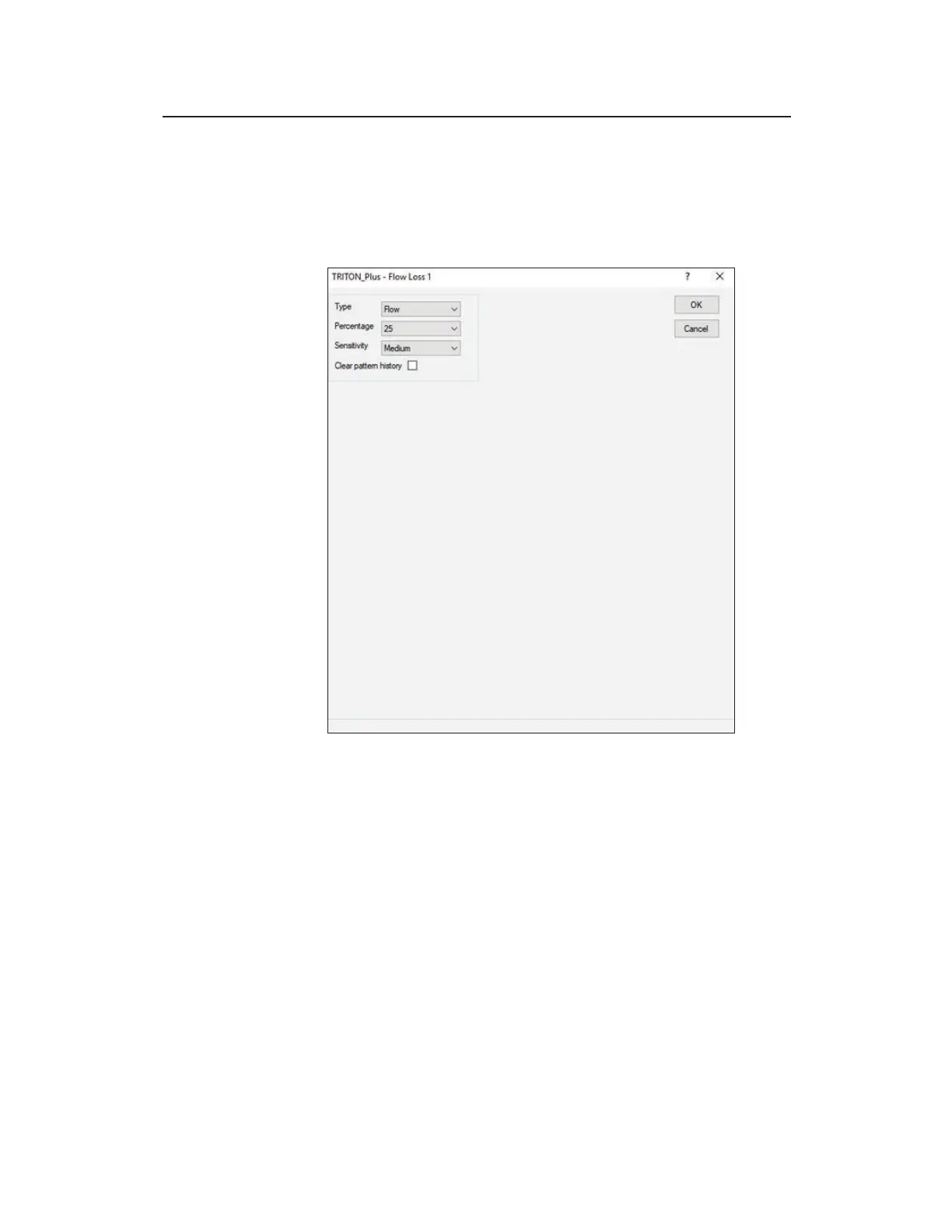
Editing the Flow Loss Device
Use the following information to configure the Flow Loss
device for TRITON+ Flow Loss alarms.
Editing the Flow Loss device
Edit the parameters of the Flow Loss device in the following way:
z Type Choose type of flow loss (flow or depth) alarm you
want to configure for the TRITON+. Select Flow (default to
trigger an alarm based on a flow rate calculated by the
monitor). An alarm is triggered if the flow rate falls below the
threshold for typical flow rates. Select Depth to trigger an
alarm based on flow depths. An alarm is triggered if the flow
depth level measured by the monitor falls below the threshold
of typical depth levels.
z Percentage Choose the percentage of the average daily flow
rates or depths you want to set as the threshold for the flow rate
or depth alarm. If the measured values are above this threshold



 To Next Page