4-44 ADS TRITON+
®
Manual
percentage, then the monitor will trigger the alarm. Choose
between 20 and 80 percent (default is 25).
z Sensitivity Choose between Low, Medium, or High to
determine the sensitivity to which the TRITON+ should trigger
the Flow Loss alarm. ADS recommends leaving this setting to
the default of Medium. Choosing Low has the lowest potential
to trigger false Flow Loss alarms, but there is more of a
potential to miss an actual alarm. Conversely, choosing High
has a higher potential to trigger false Flow Loss alarms, but the
least potential to miss an actual alarm.
z Clear Pattern History Choose this checkbox to clear (at
activation) the historical flow or depth pattern in the monitor
and recreate a new flow or depth pattern history.
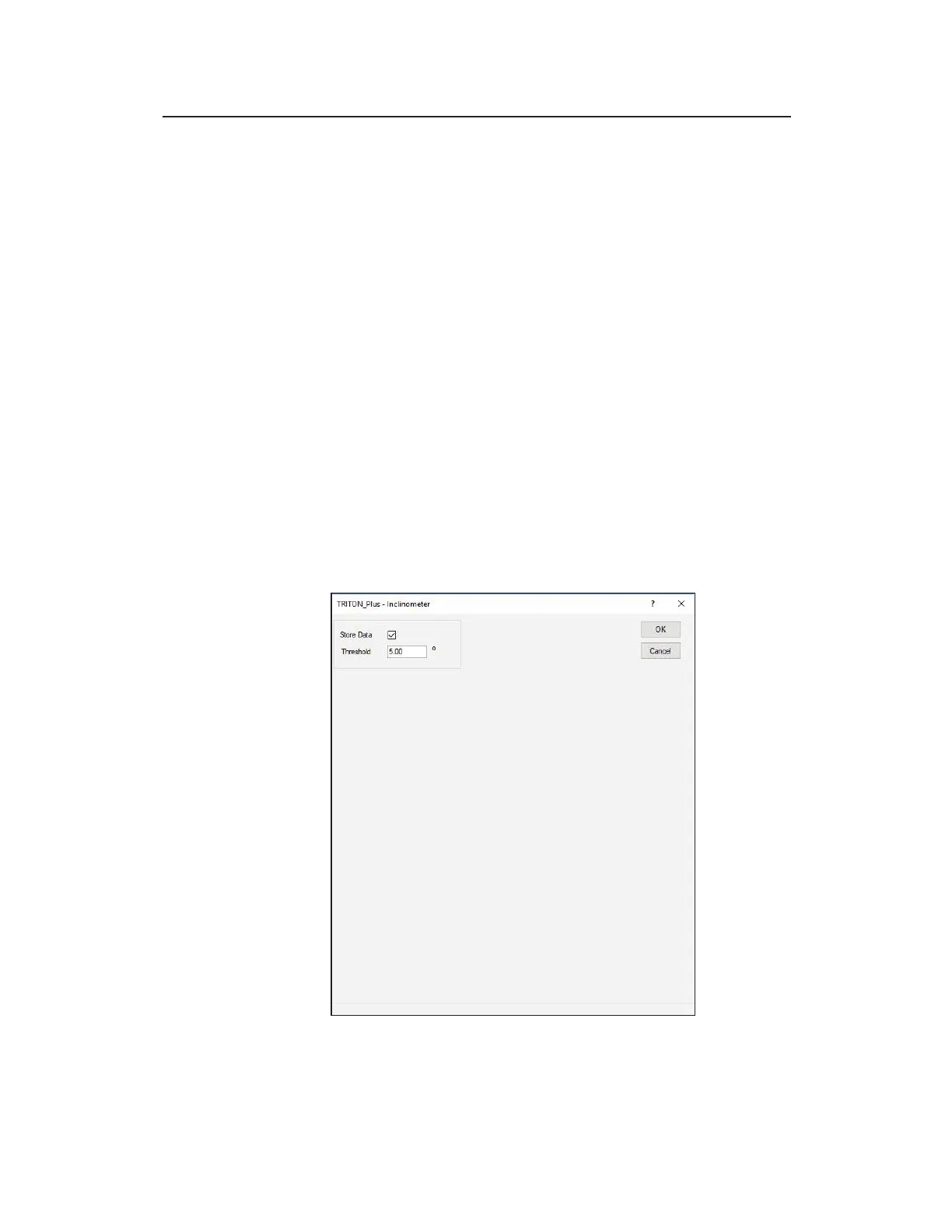
Editing the Inclinometer Device
Edit the parameters of the Inclinometer device using the following
information.
Edit the parameters of the Inclinometer device



 To Next Page