4-64 ADS TRITON+
®
Manual
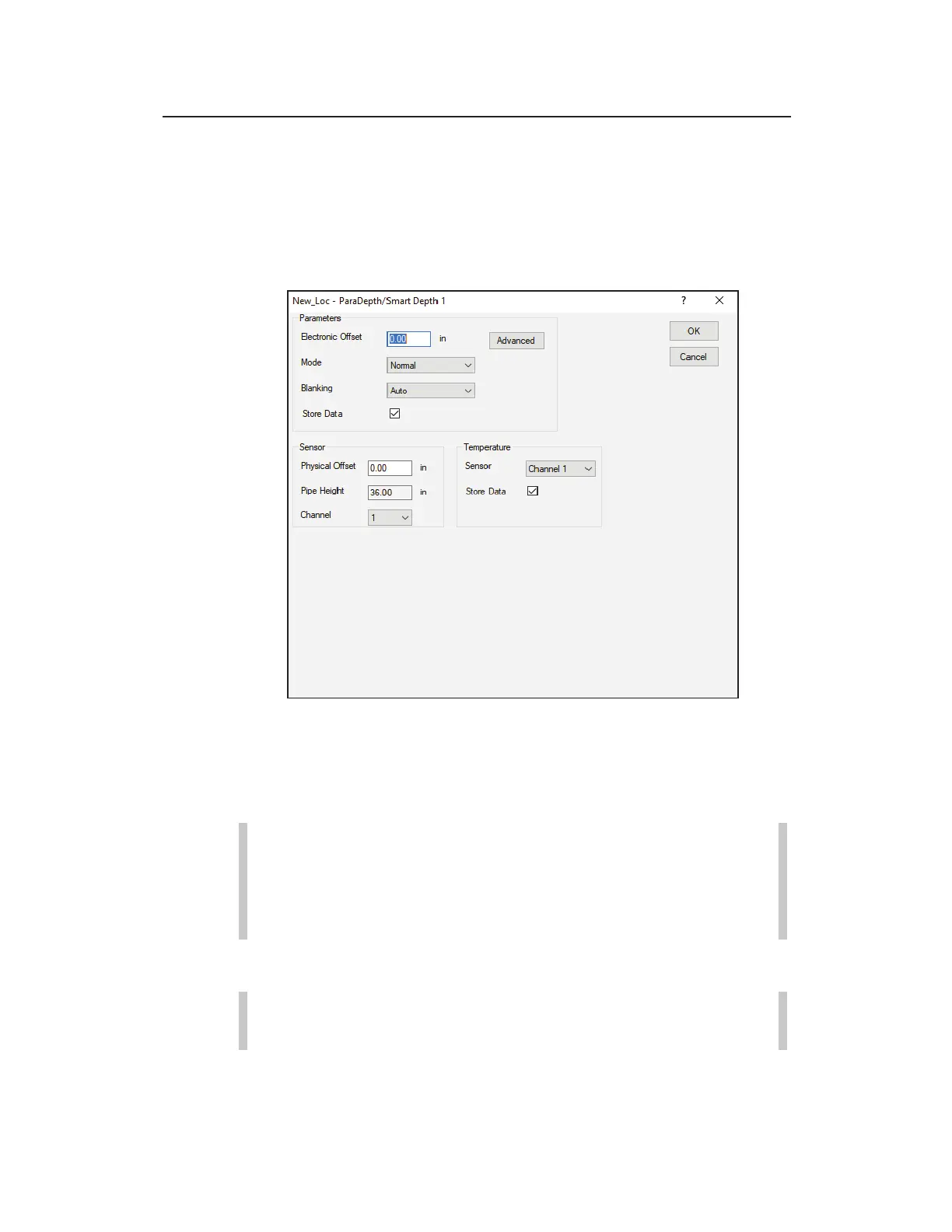
Editing the ParaDepth/Smart Depth Device
Use the following information to edit the parameters of the
ParaDepth/Smart Depth device.
Edit ParaDepth/Smart Depth 1 Parameters dialog
Edit the following parameters corresponding to the downward-
looking ultrasonic (smart) depth sensor as necessary:
Note: Edit the parameters for an Ultrasonic Depth Sensor
equipped with the pressure option through the Surface
Combo Sensor device. Refer to page 4-69 for more
information.
Parameters
Note: Under normal conditions, the parameters in this
section (Parameters) should not require modification.



 To Next Page