Configuration and Activation 4-69
Editing the ParaFlow/Surface Combo Sensor
Device
The following section provides descriptions for the parameters
corresponding to the ParaFlow/Surface Combo Sensor device.
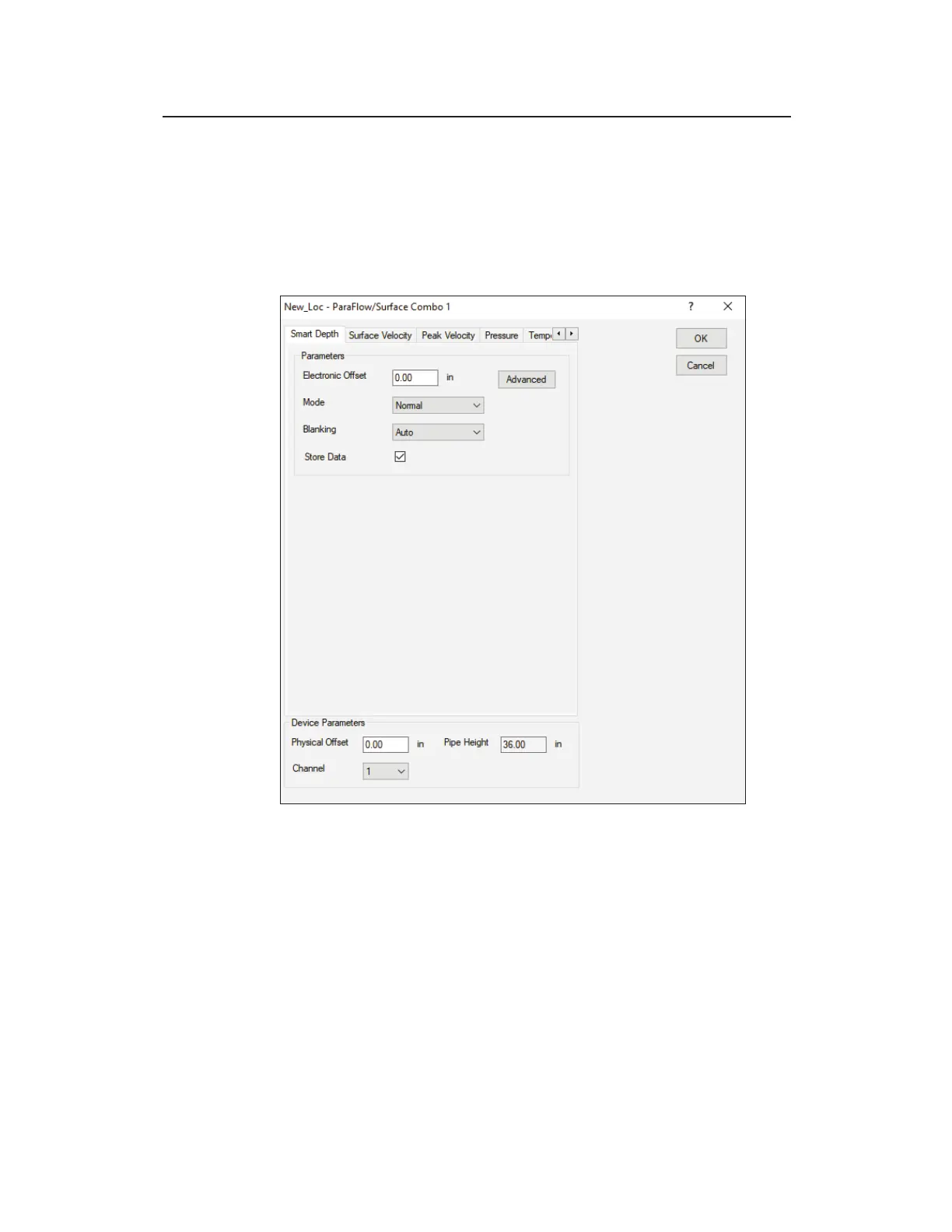
Edit ParaFlow/Surface Combo 1 Parameters dialog (Smart Depth tab)
Edit the following Device Parameters at the bottom of the dialog,
and then edit the individual tabs as described in the following
sections:
z Physical Offset Enter the physical distance from the face of
the sensor to the crown (top) of the pipe. Refer to Chapter 5,
Sensor Installation and Connection, for instructions on
measuring the physical offset.
z Channel Select the channel number of the port on top of the
monitor to which this device is connected.



 To Next Page