Configuration and Activation 4-71
z Blanking Select the distance from the horizontal face of the
ParaFlow or Surface Combo Sensor within which to ignore
data potentially representing erroneous readings. Select the
Auto option (default) to ensure the monitor disregards depths
occurring within a distance from the horizontal face of the
sensor equivalent to 5 percent of the range from the sensor face
to the bottom of the pipe. This option typically represents the
vast majority of pipe/flow conditions; therefore, ADS strongly
recommends leaving this option selected for most applications.
Choose one of the other options only when spikes in the data
are occurring beyond 5 percent of this range and under direct
consultation with an ADS representative.
z Store Data Select this checkbox to ensure the monitor logs
the smart depth data to memory. This option is selected by
default.
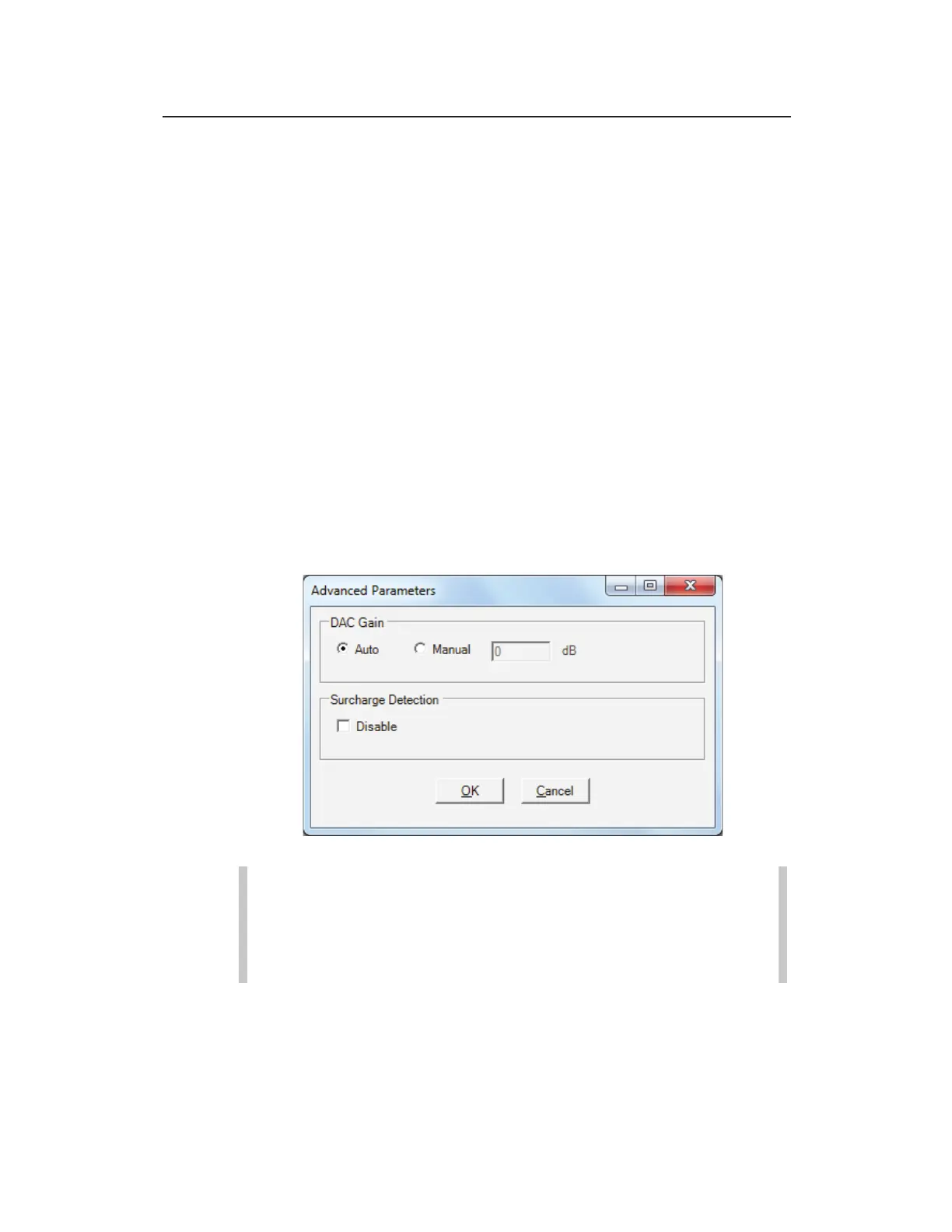
z Advanced Select this button to access the Advanced
Parameters dialog.
Advanced Parameters dialog
Note: Modifications made to the Advanced Parameters
should be performed only by or under the guidance of
trained ADS personnel. Therefore, ADS recommends
leaving the default settings (Auto) in place.
Modify the parameters as necessary, and then select OK once
complete.



 To Next Page