4-84 ADS TRITON+
®
Manual
Editing the XIO Device
Use the following information to configure the externally powered
XIO
™
device for the TRITON+ monitor for up to two analog
inputs, two analog outputs, two digital inputs and two digital
outputs:
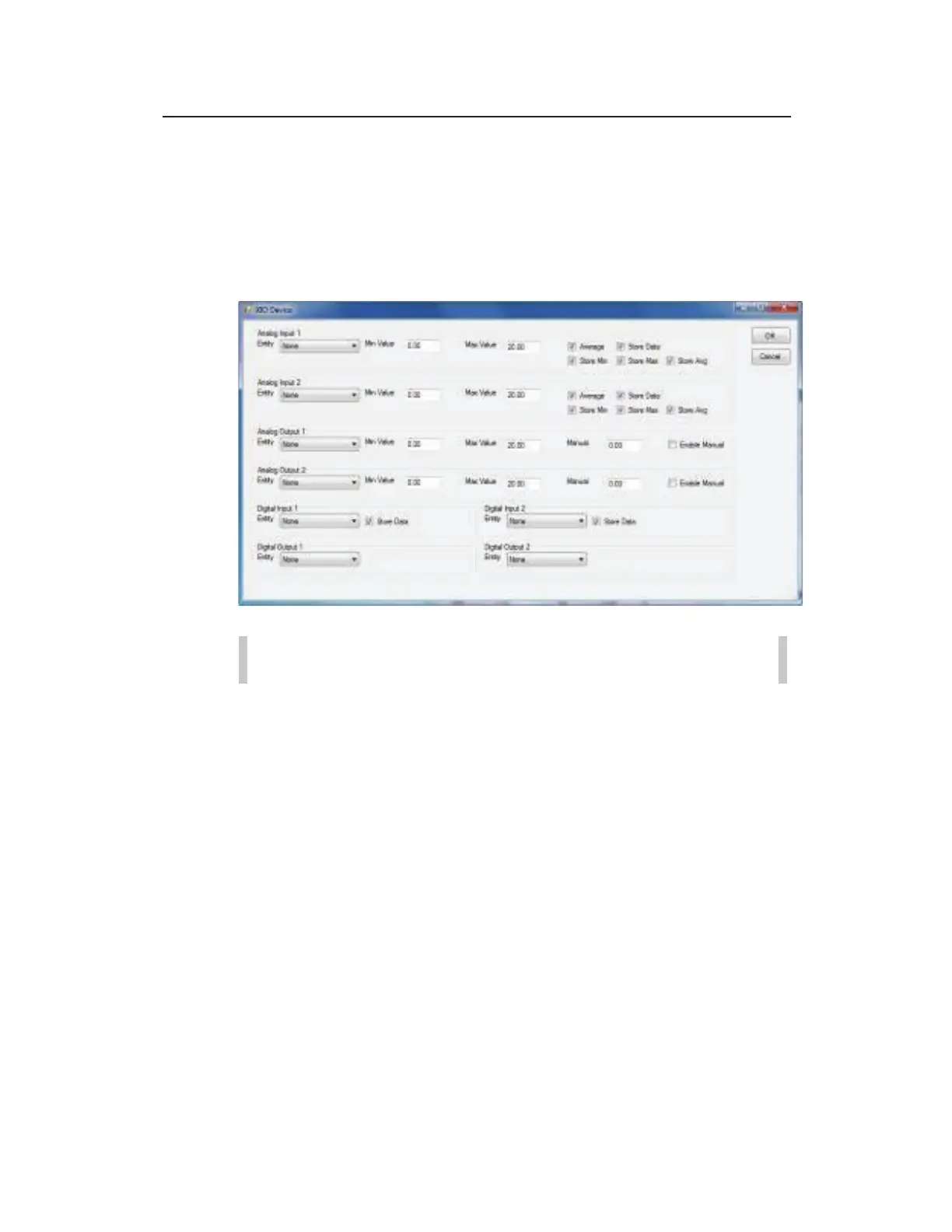
XIO Device properties dialog
Note: There is a single XIO device limit per TRITON+.
Analog Input 1 (2) Configure the values in this section to
specify how to process the incoming analog signal from an analog
device connected to the XIO device.
z Entity Select the entity type corresponding to the incoming
analog signal to ensure the correct unit of measure is applied to
the resulting data. The XIO device supports the following
analog inputs: depth (DEPTH_A1), velocity (VEL_A1),
quantity (Q_A1), temperature (TMP_A1), PH (PH_A1), as
well as a generic analog input (AI_A1). For example, choose
DEPTH_A1 to record incoming analog depth values to a
DEPTH_A1 entity which uses corresponding units of measure
in inches (or millimeters).



 To Next Page