Configuration and Activation 4-83
Editing the Time Zone Device
The following section provides descriptions for the parameters
corresponding to the Time Zone device.
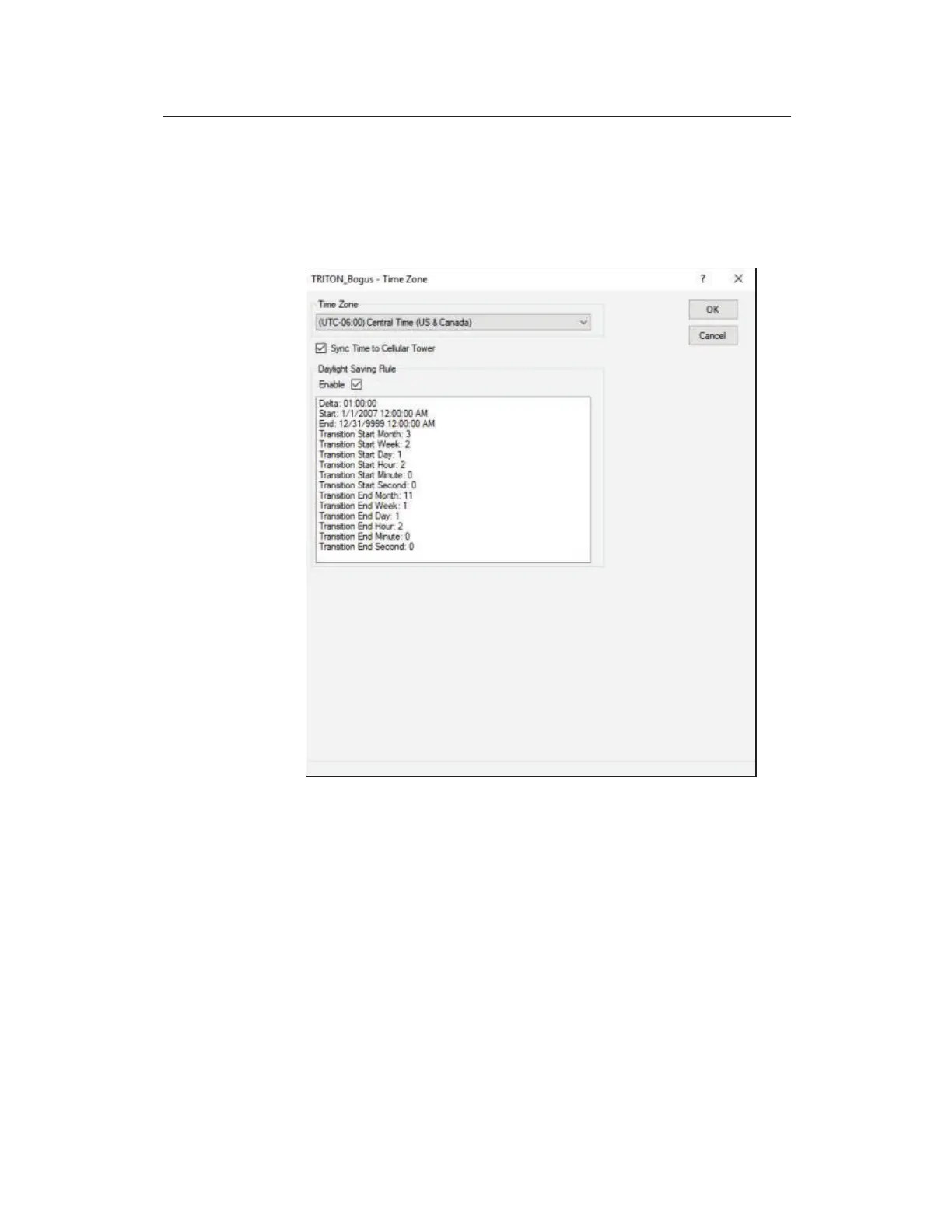
Edit the Time Zone device parameters
Select the Time Zone of the monitor, not the Qstart
XML
host
computer. Enable the Daylight Savings Rule to adjust the time for
Daylight Saving. Disable to Daylight Saving Rule to maintain
standard time throughout the year.
When applicable, select the Sync Time to Cellular Tower
checkbox when you want the monitor time to adjust to the nearby
cellular tower time every 12 hours (based on activation time). This
option is selected by default.



 To Next Page