Sensor Installation and Connection 5-15
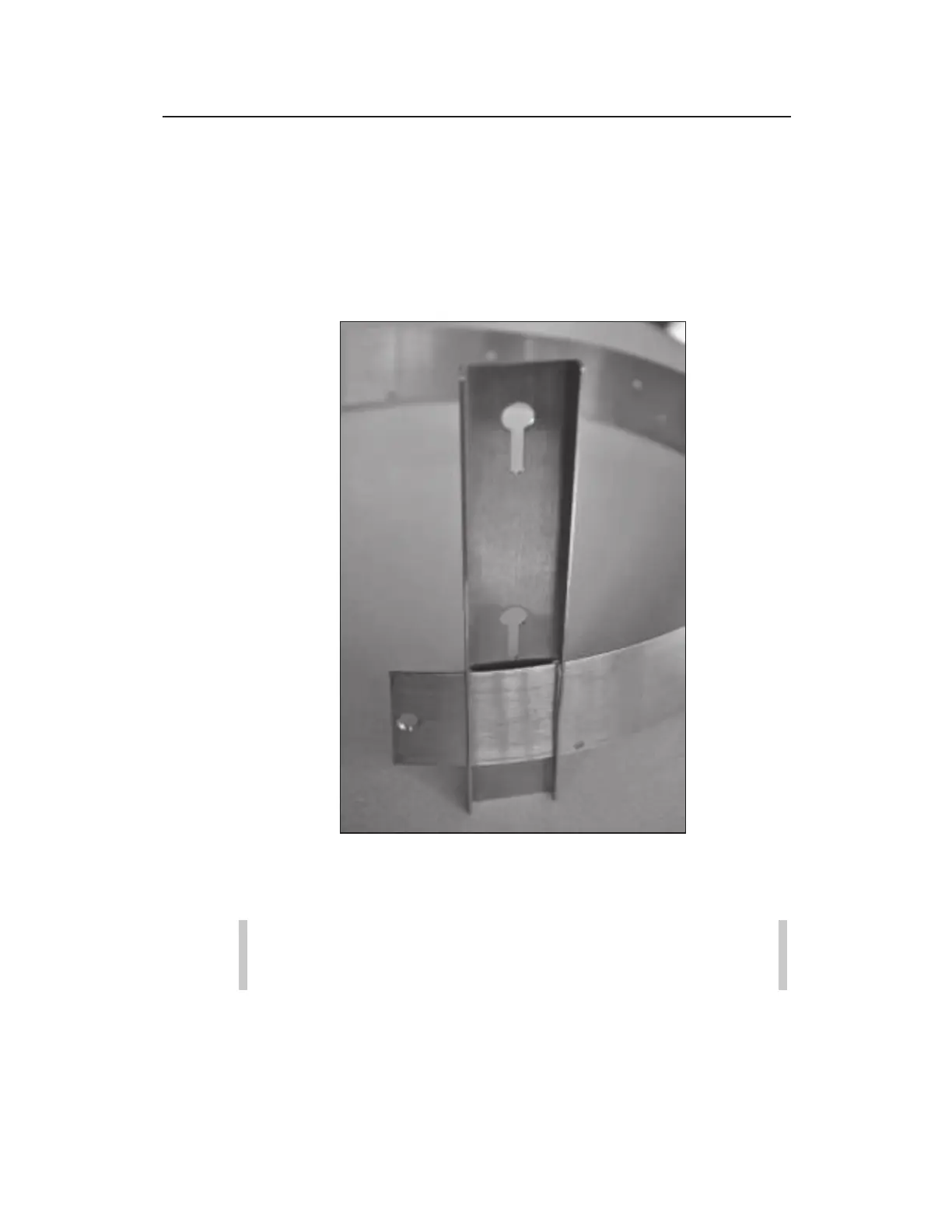
5. Slide the ParaDepth/ParaFlow/Surface Combo/Ultrasonic
Depth Sensor mounting plate onto the open end of the ring
with the back of the mounting plate (side with the slots) facing
the outside of the ring. The side with the keyholes should face
the inside of the ring. The end of the plate with the keyholes
should be extending out from the upstream edge of the ring
(opposite the edge with the holes for securing the sensor cable).
Sliding the ParaDepth, ParaFlow, Surface Combo/Ultrasonic Depth Sensor
mounting plate onto the ring
6. Move the sensor mounting plate around the ring.
Note: Steps 7 and 8 apply only to overlapping rings.
Proceed directly to step 9 for non-overlapping rings.
7. Slide the open end of the ring through the slot in the welded
band of the ring until it overlaps about 4 inches (102 mm).



 To Next Page