5-72 ADS TRITON+ Manual
1. Select location of Wall Mount Bar installation. Make sure the
sensor will have a clear view of the invert. Refer to Step 4 of
Installing the Mounting Bar to ensure proper sensor
positioning.
2. Place the Wall Mount Bar bracket on selected location,
ensuring bar will be level, and mark screw holes for drilling or
screwing anchor points.
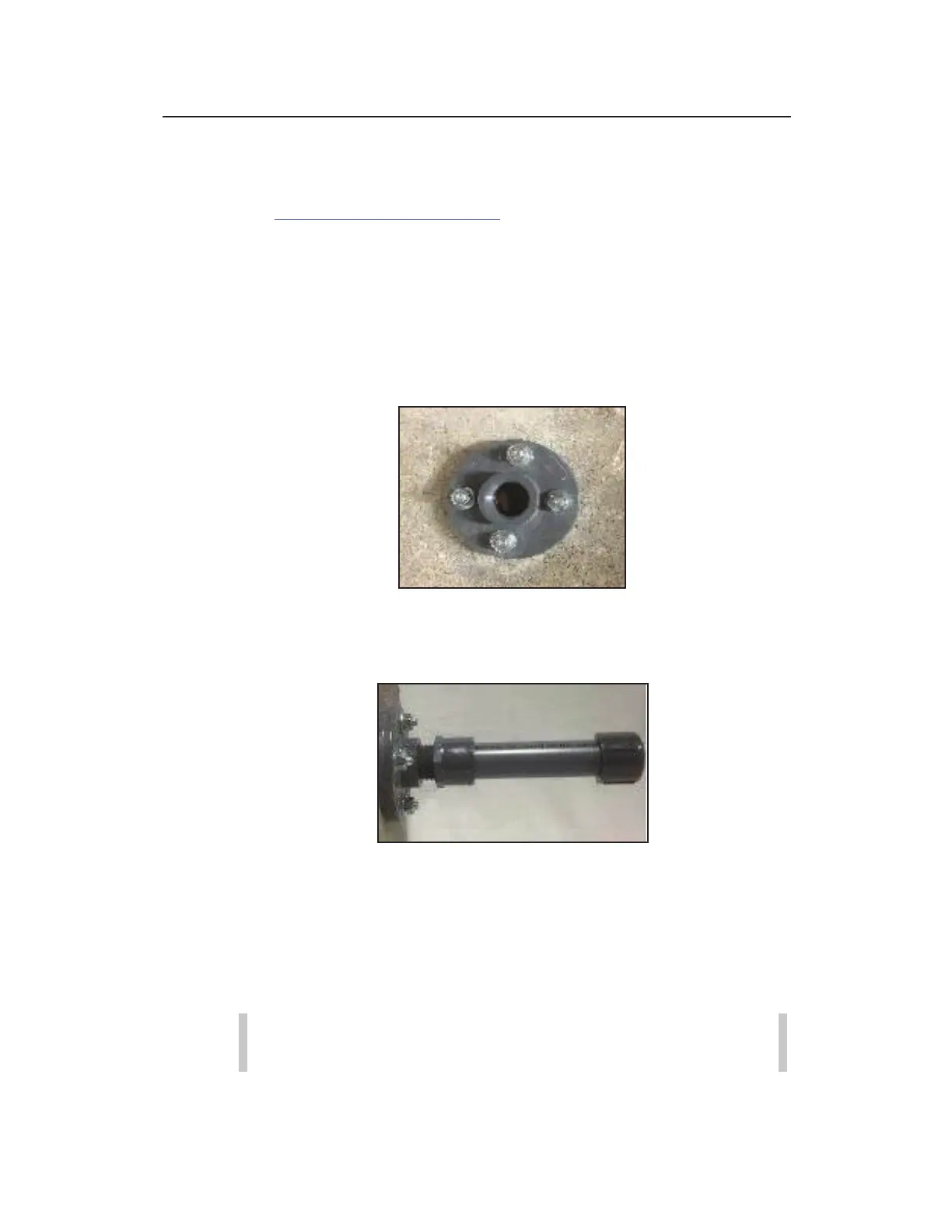
3. Secure the Wall Mount Bar bracket to the manhole wall with
anchor screws for each of the bracket holes.
Securing bracket to the manhole wall
4. Screw the Wall Mount Bar into the bracket secured to the wall.
Screwing Wall Mount Bar into installed bracket
Installing the Long Range Depth Sensor onto the
Mounting Bar
The user-friendly design of the Long Range Depth Sensor is
configured to facilitate easy installation.
Note: The same steps below also apply to installing the
Long Range Depth Sensor on the Wall Mount Bar.
1. Open the Long Range Sensor thumb-screw and flip the top of
the shroud bracket back.



 To Next Page