Sensor Installation and Connection 5-83
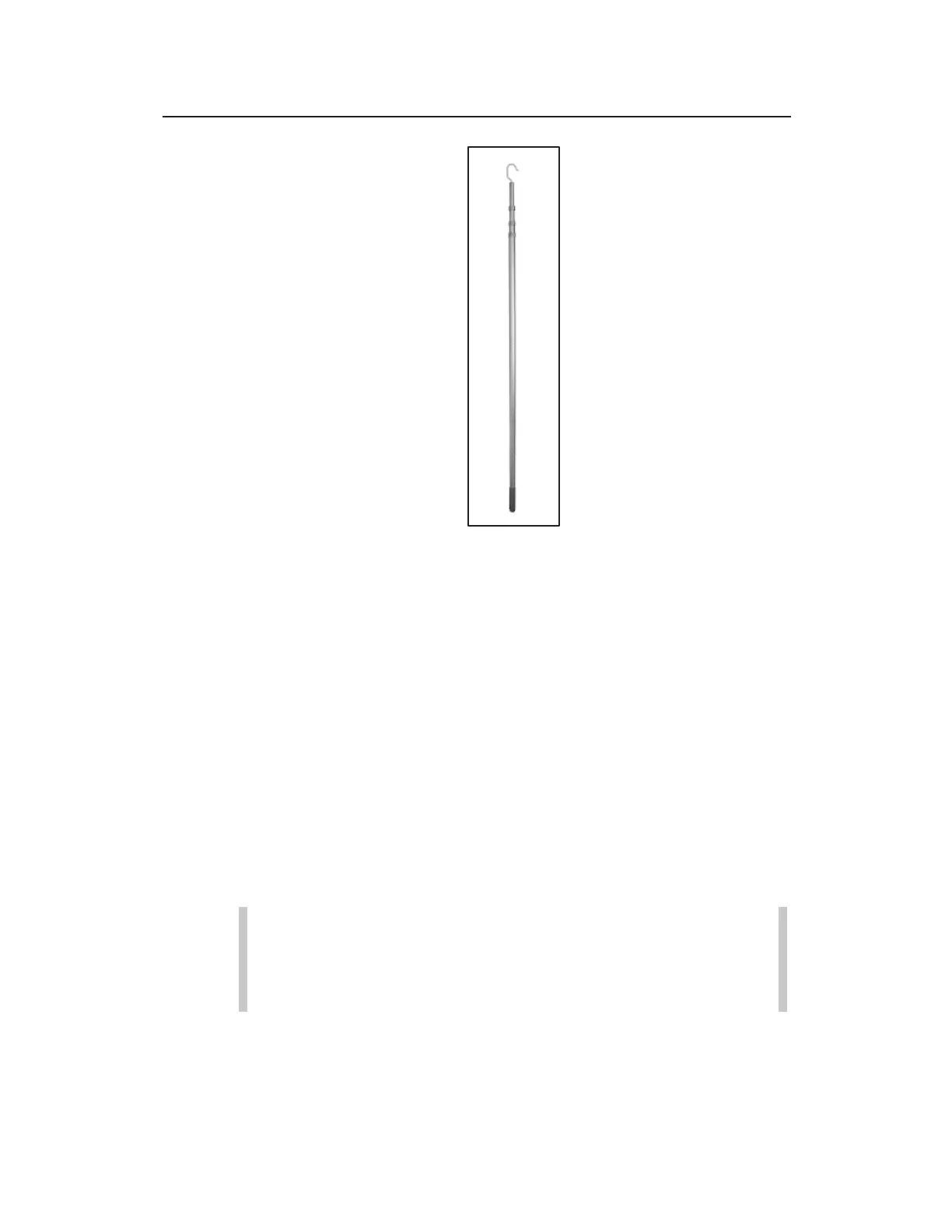
Topside Retrieval Tool
Some things to consider before beginning the installation of the
Topside Retrieval System:
x The ParaDepth and ParaFlow sensors can read depth and
velocity with the sensor facing up or downstream. ADS
recommends the sensor be placed in a position where the flow
surface is the least turbulent, and the sensor has an
unobstructed view of the flow in the manhole invert. ADS
finds that often the output side of the invert best meets this
criteria.
x If installing a ParaFlow sensor, position the Wall Mount
Bracket immediately above (or as close as possible) to the
crown of the pipe to ensure that the surcharge velocity sensor
will be able to read flow velocity during surcharged conditions.
Warning: When using the Retrieval Tool to either remove
or re-install the sensor, care needs to be taken to avoid
any overhead obstructions. Be especially aware of any
overhead power lines.
Installing ADS Topside Retrieval System
Follow the steps below to install the Topside Wall Mount and Sensor
Bracket.



 To Next Page