Sensor Installation and Connection 5-85
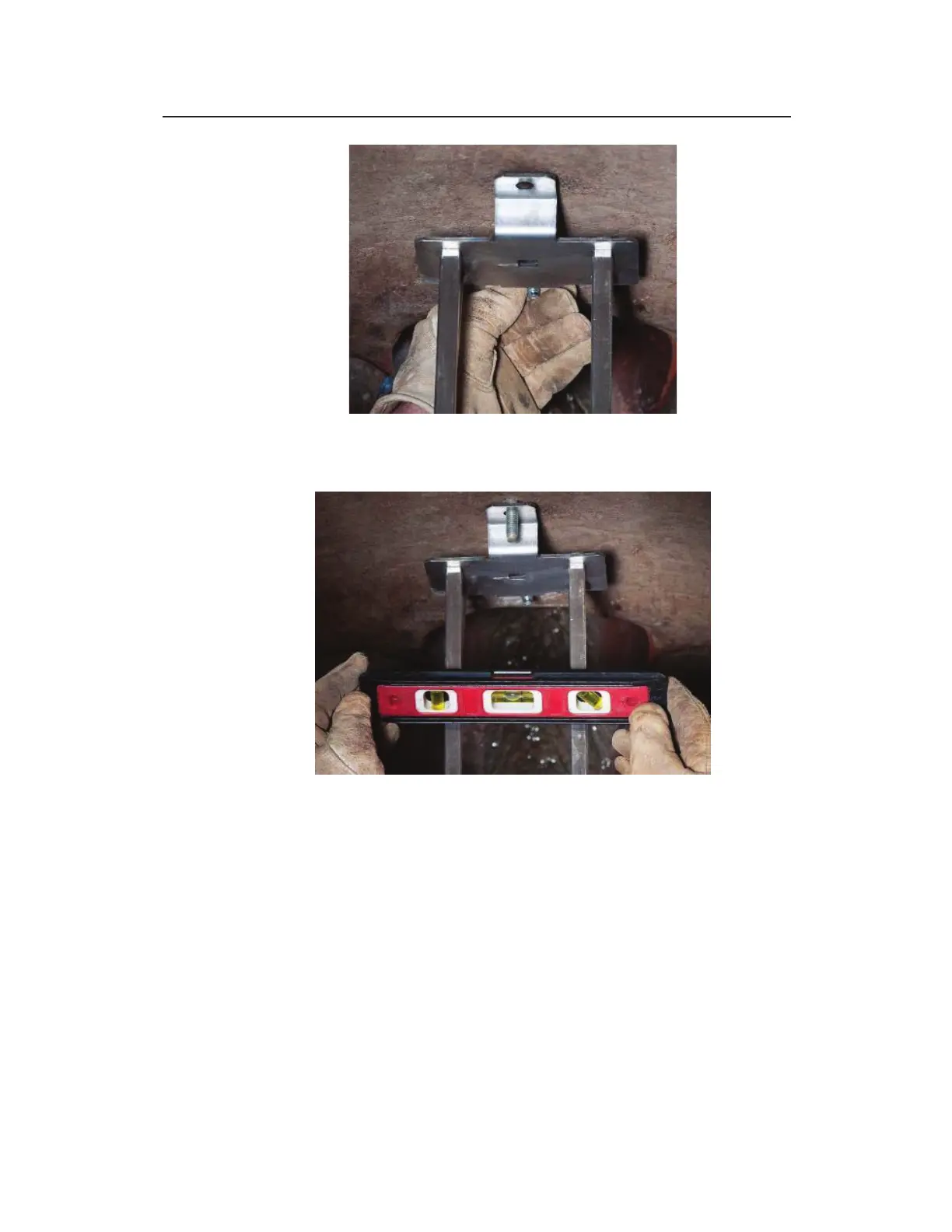
Place Lower Tab of Bracket on Lag Bolt and Finger-Tightening Bolt
6. Use the level to confirm that the bracket is level side to side.
Confirm Level Side to Side
7. Drill a hole through the upper tab using the hammer drill and
hammer the Lag Bolt into place.
8. Place a washer and nut on the Lag Bolt and finger-tighten.
9. Re-confirm that the Wall Mount Bracket is level in both front
to back and side to side. Once confirmed, tighten nuts. The
installation of the Wall Mount Bracket is now complete.



 To Next Page