External Power 6-17
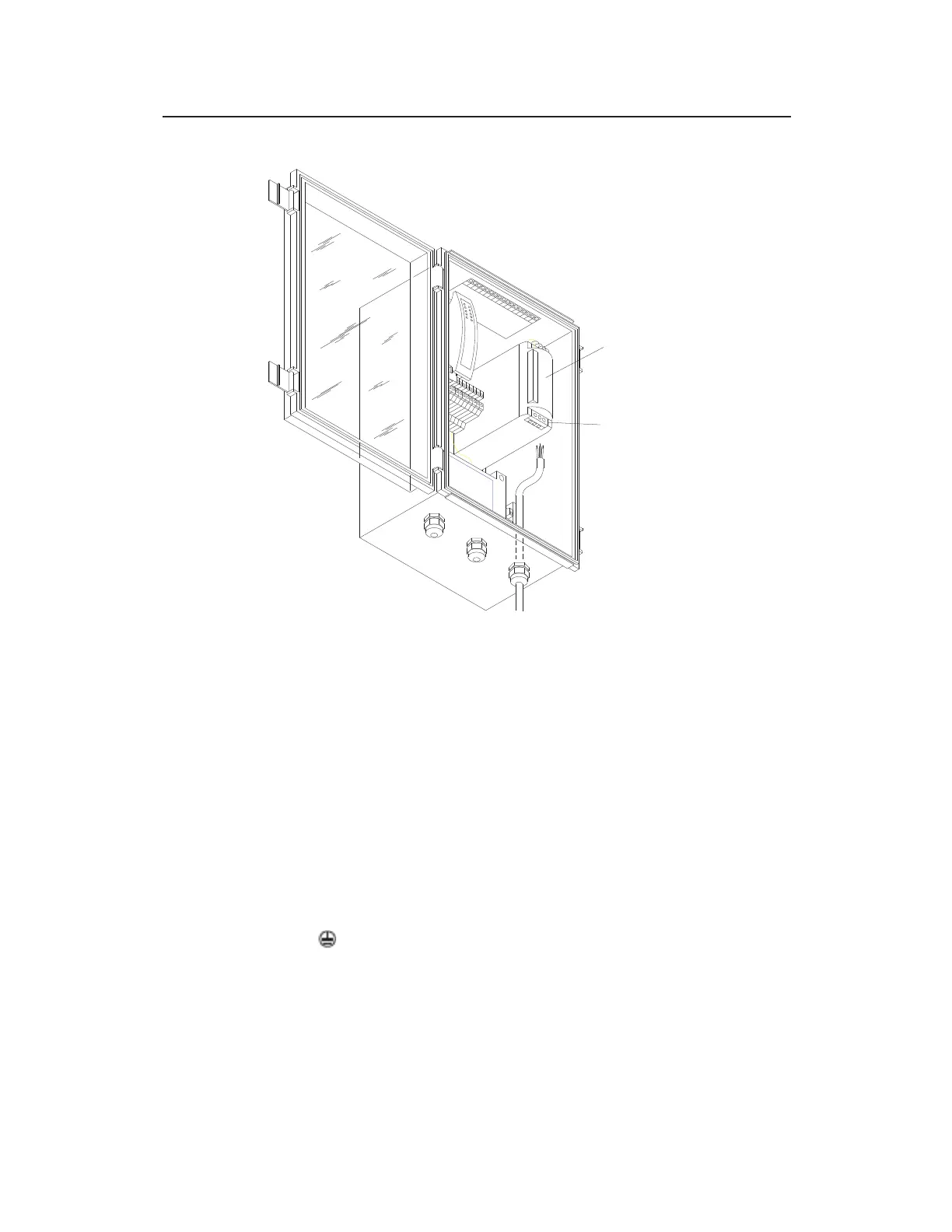
Location of AC input terminal block on power supply
7. Connect the power cable wires to the terminals on the power
supply by running each wire through the appropriate terminal
hole in the bottom of the power supply and tightening the
corresponding terminal screw:
Connect the hot (typically black or red) wire from the
power cable to the line (L) terminal on the power supply.
Connect the neutral (typically white) wire from the power
cable to the neutral (N) terminal on the power supply.
Connect the earth ground (typically green) wire from the
power cable or electrical panel chassis to the earth ground
( ) terminal on the power supply.
POWER SUPPLY
AC TERMINAL BLOCK



 To Next Page