6-30 ADS TRITON+ Manual
cable entry point into the other enclosure, as applicable, from
the outside of the unit/enclosure.
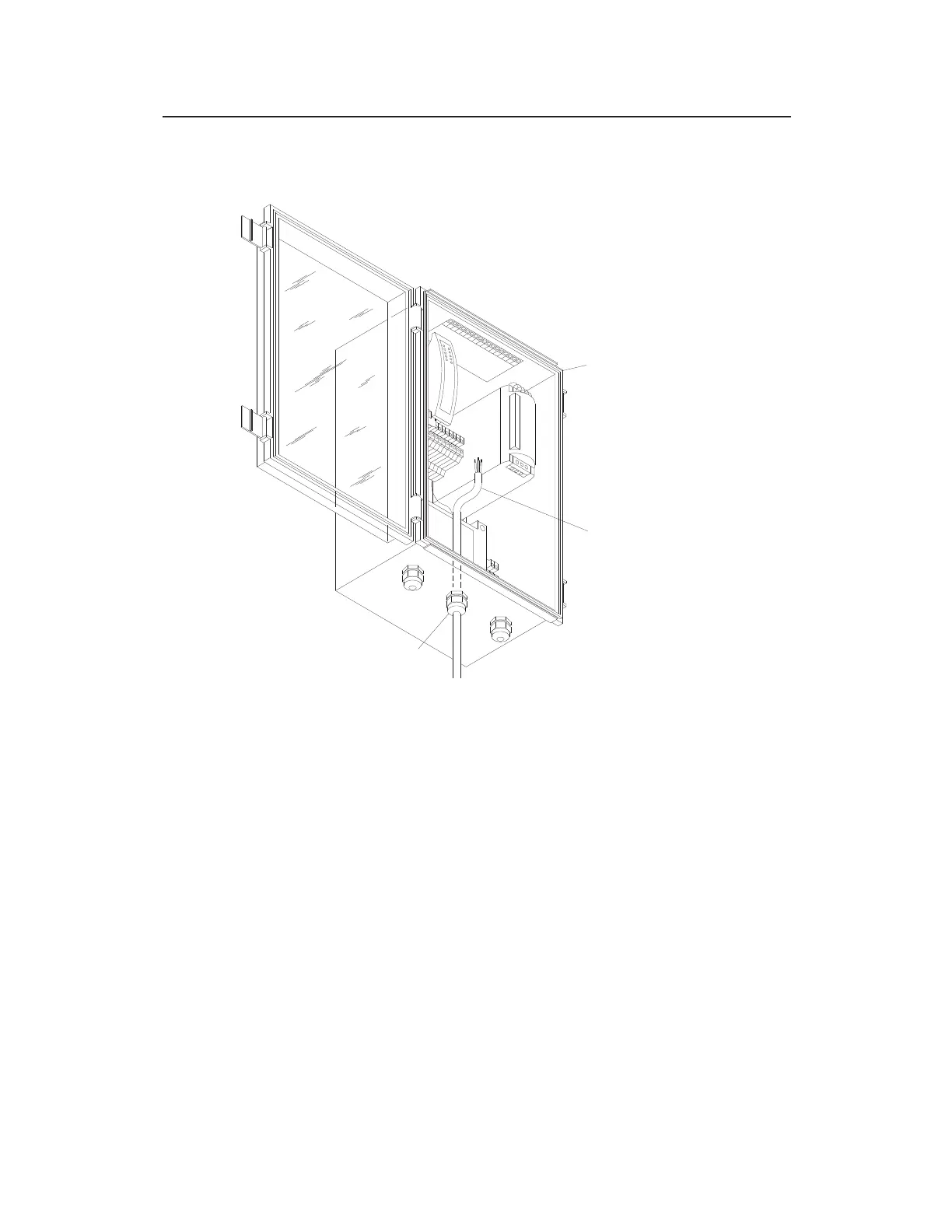
Communications cable coming through the middle cable gland at the bottom
of the XIO/XBUS
3. Loosen all of the COMMS and DC OUT terminal screws on
the bottom of the ExPAC. Consider removing the
corresponding terminal block connectors from the ExPAC to
simplify the process of loosening the terminal screws, inserting
the wires in the terminals, and re-tightening the screws.
4. Insert the lighter gauge (i.e., smaller diameter) wires into the
associated terminals on the COMMS terminal block connector
based on the color of the wire, and tighten the corresponding
terminal screws. Refer to the color guide for the wires on the
label at the bottom of the ExPAC in front of the COMMS
terminal connector.
XIO/XBUS
COMMUNICATIONS CABLE
CABLE GLAND



 To Next Page