External Power 6-31
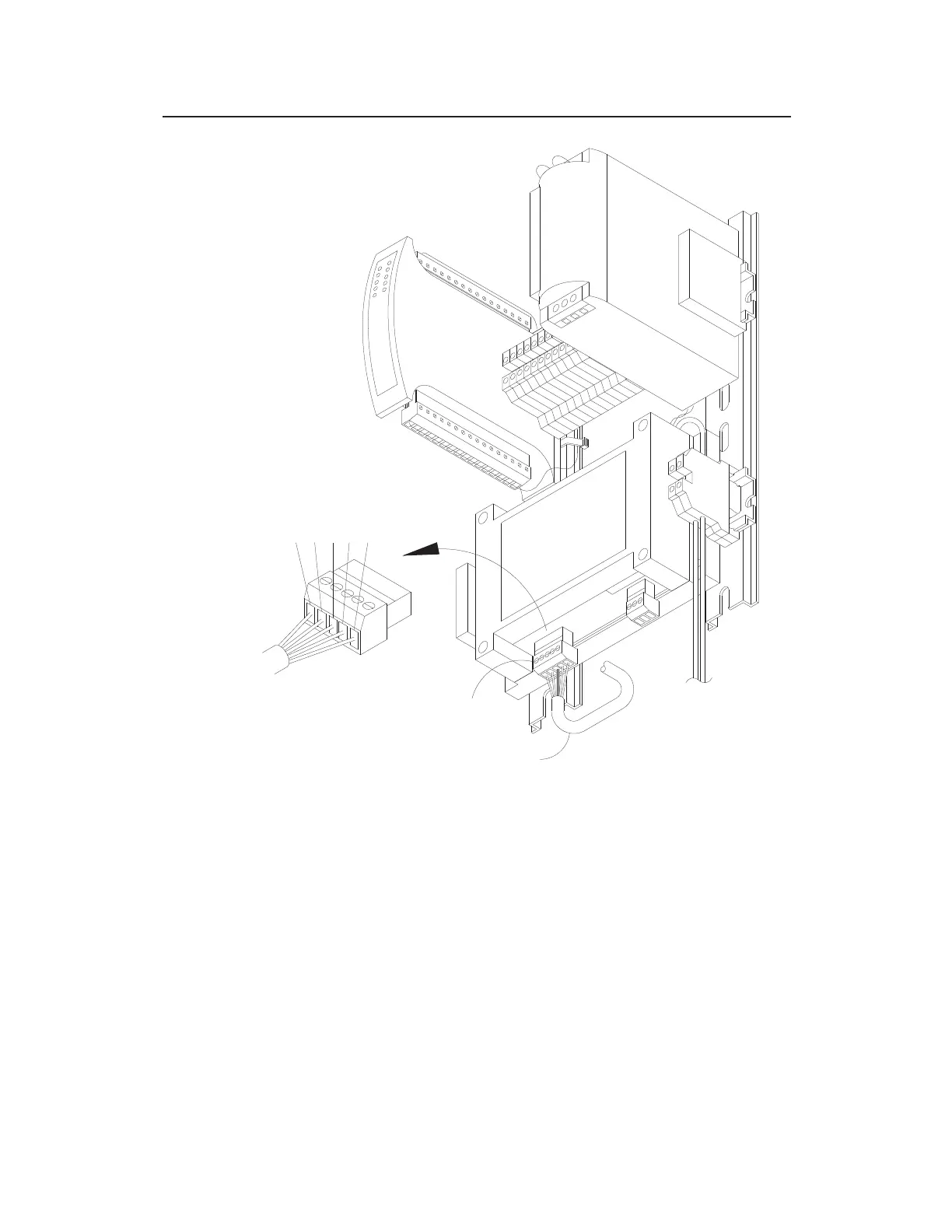
Wiring communications cable to COMMS terminal connector on ExPAC
5. Insert the COMMS terminal block connector back into the
corresponding port on the ExPAC, when applicable.
6. Insert the heavier gauge (i.e., larger diameter) red and black
wires into the associated RED and BLK terminals on the DC
OUT terminal block connector, and tighten the corresponding
terminal screws. Refer to the color guide for the wires on the
label at the bottom of the ExPAC in front of the DC OUT
terminal connector.
COMMUNICATION
CABLE
COMMS CONNECTOR
5
4
3
2
1
G
N
K
U
D
R
R
L
L
E
O
G
B
B
R
TERM
WIRE
CONNECTION DETAIL



 To Next Page