6-32 ADS TRITON+ Manual
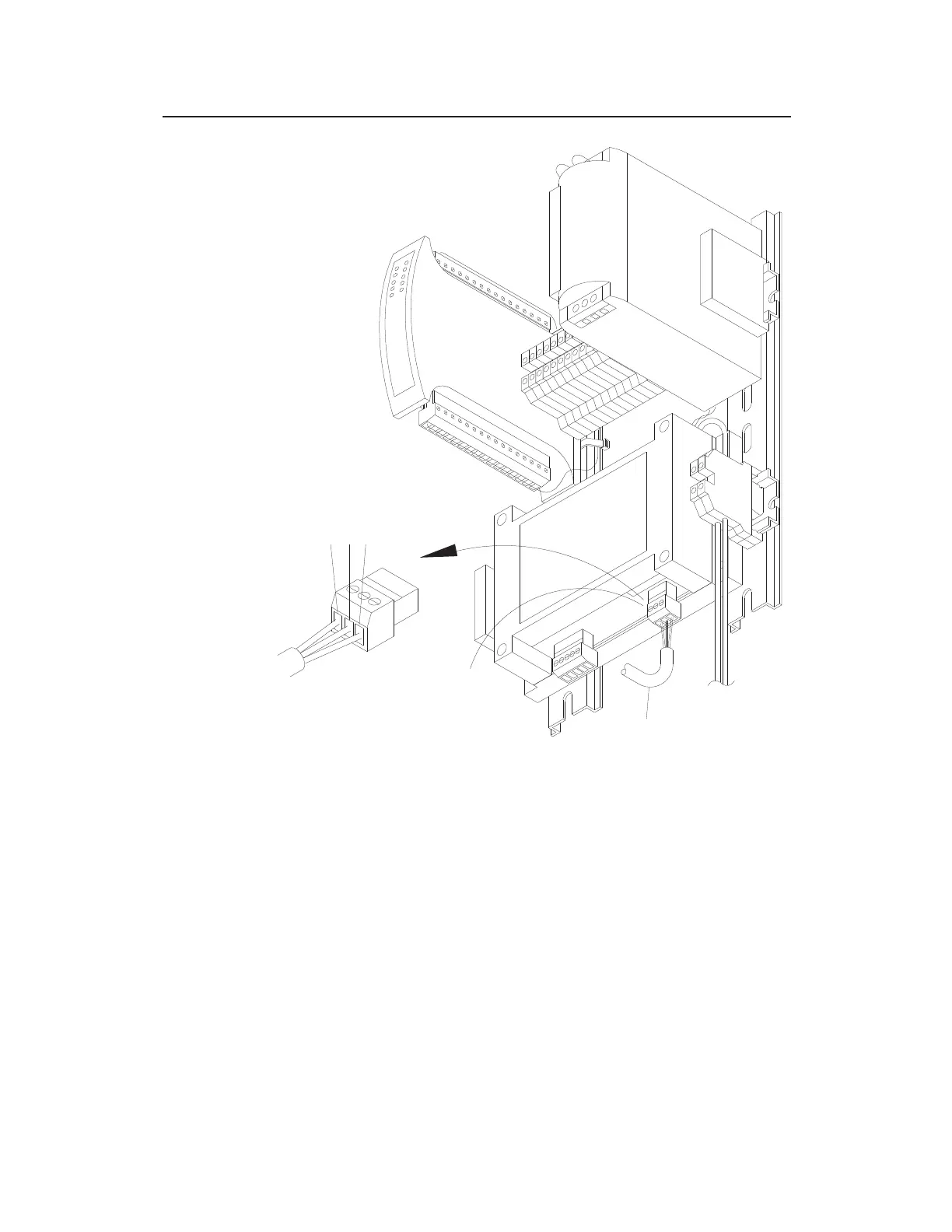
Wiring communications cable to DC OUT terminal connector on ExPAC
7. Insert the remaining lighter gauge clear wire into the SHL
terminal on the DC OUT terminal block connector, and tighten
the corresponding terminal screw.
8. Insert the DC OUT terminal block connector back into the
corresponding port on the ExPAC, when applicable.
9. Gently pull on the communication cable from the outside of the
enclosure to remove any excess cabling inside the enclosure.
10. Hand-tighten the plastic nut on the cable gland to secure the
cable and prevent moisture or debris from accessing the inside
of the enclosure through the cable entry point.
COMMUNICATION
CABLE
3
2
1
L
K
D
H
L
E
S
B
R
TERM
WIRE
CONNECTION DETAIL
DC OUT
CONNECTOR



 To Next Page