External Power 6-33
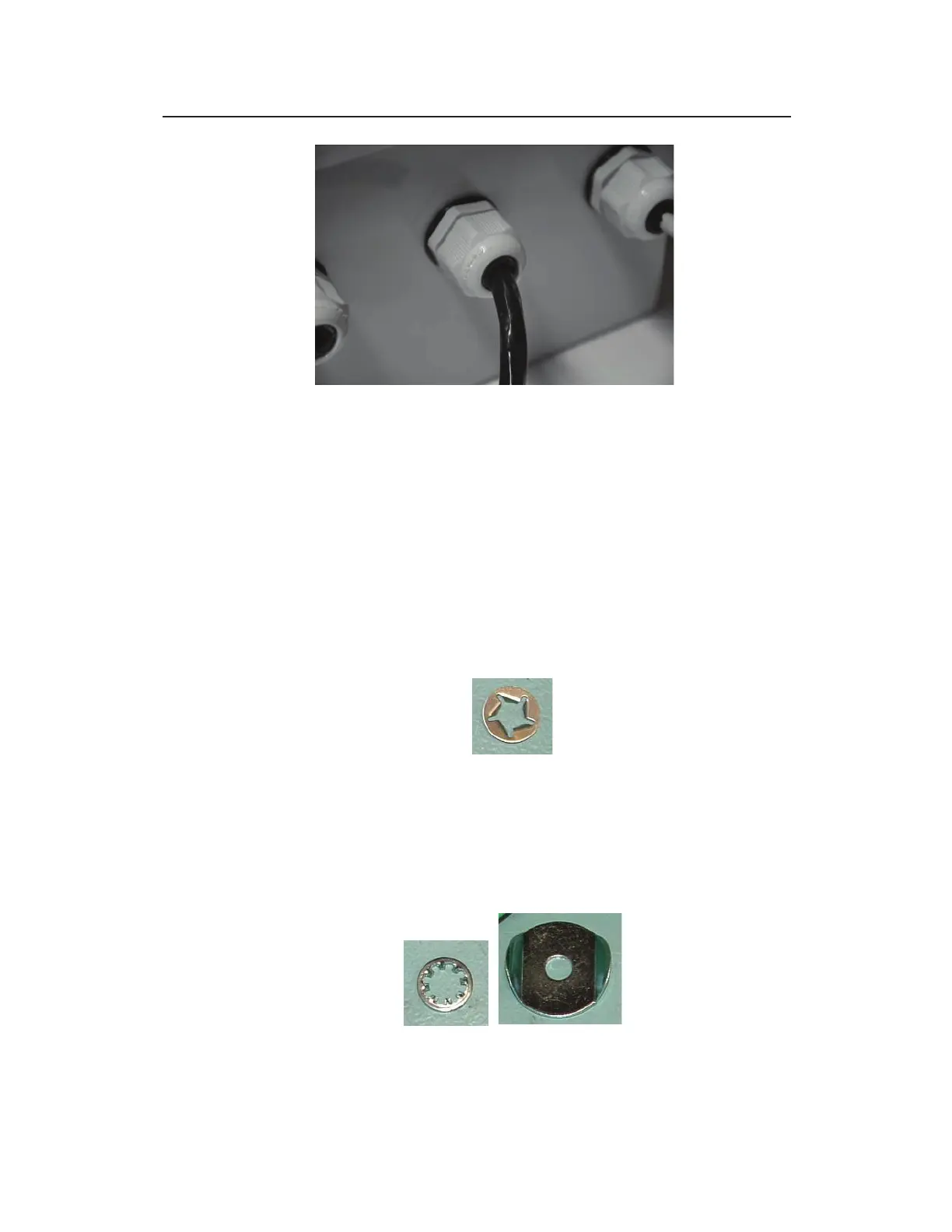
Monitor communication cable running through middle cable gland with plastic
nut on XIO or XBUS
11. Run the communication cable and the ground wire (with the
ring terminal) to the monitor location.
12. Remove the bolt adjacent to the COMM + EXT PWR and
ANTENNA ports from the monitor top using a 13-mm nut
driver. This bolt secures the ground connection facility
washers and also helps secure the monitor top to the canister.
You may encounter some resistance to removing the bolt from
the retaining washer located between the monitor top and the
canister.
Retaining washer from bottom of monitor top
13. Remove and discard the used retaining washer.
14. Remove the internal-tooth washer and the washer with the
guide tabs (i.e., two sides turned up) from the bolt, but leave
the square and split (i.e., lock) washers on the bolt.
Internal-tooth washer (left) and washer with guide tabs (right)



 To Next Page