9-18 ADS TRITON+ Manual
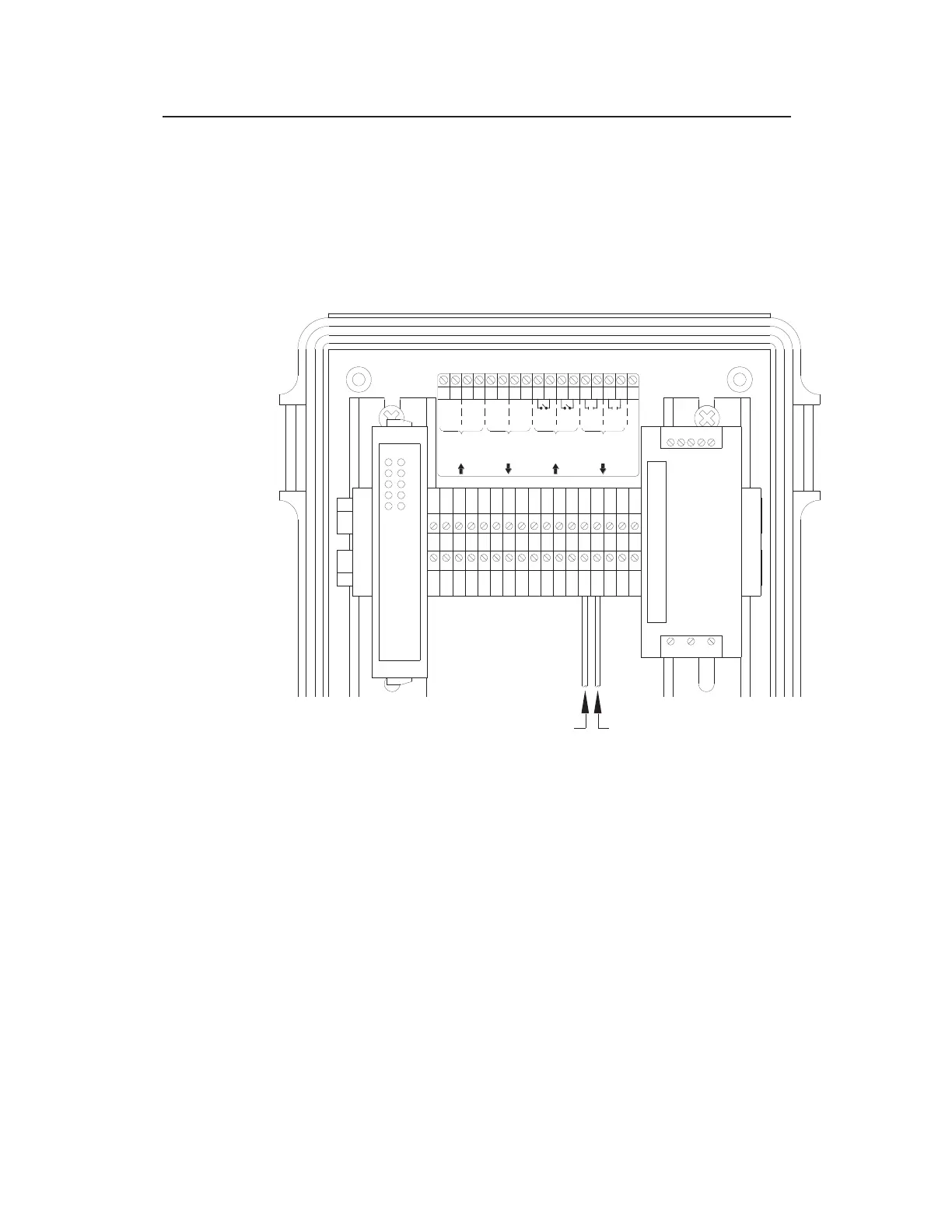
Insert one of the stripped ends of one of the wires into the
hole corresponding to terminal 13 (or 15) on the I/O
terminal block in the XIO.
Insert one of the stripped ends of the other wire into the
hole corresponding to terminal 14 (or 16) on the I/O
terminal block in the XIO.
Connecting the 2 wires from the third-party device to Terminals 13 and 14
(digital output terminals) on the I/O terminal block
Connect the other ends of the wires to the third-party
device based on the vendor’s specifications.
Close and latch the door to the XIO.
3. Restore power to the customer’s device and the ADS XIO.
I/O TERMINAL BLOCK
12345678910111213
14 15 16 17
1212I1I2R1R2
+
-
+
-
+
-
+
-
NC
4-20 mA
Analogue
Outputs
4-20 mA
Analogue
Inputs
Digital
(Switch)
Inputs
Digital
(Relay)
Outputs
1 2 3 4 5 6 7 8 9 1011121314151617
DIGITAL OUTPUT TERMINALS
Term 13 Wire Term 14 Wire



 To Next Page