Modbus 10-3
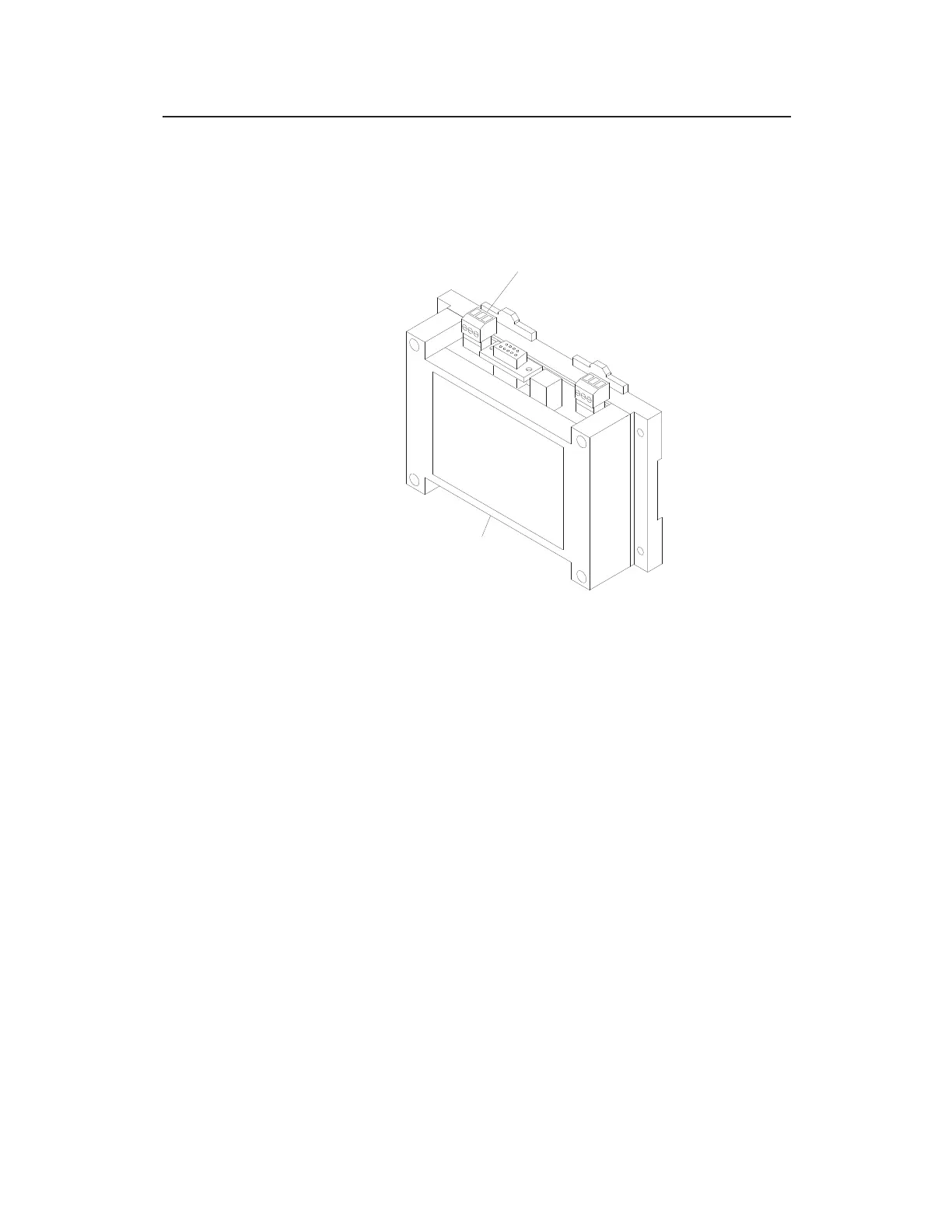
Connect the cable to the ExPAC in the following way:
1. Disconnect (i.e., unplug) the green terminal connector from the
RS-485 port on the top, left side of the ExPAC.
RS-485 terminal connector on ExPAC
2. (applicable only when the ExPAC is housed within an XBUS or
other enclosure) Open the door of the enclosure and run the
cable through the appropriate entry point into the enclosure.
For an XBUS, this entry point will be the left cable gland at the
bottom of the enclosure. You may need to loosen the plastic
nut on the cable gland on the outside of the XBUS or other
enclosure to feed the cable through.
ExPAC
RS-485 TERMINAL
CONNECTOR



 To Next Page