Modbus 10-5
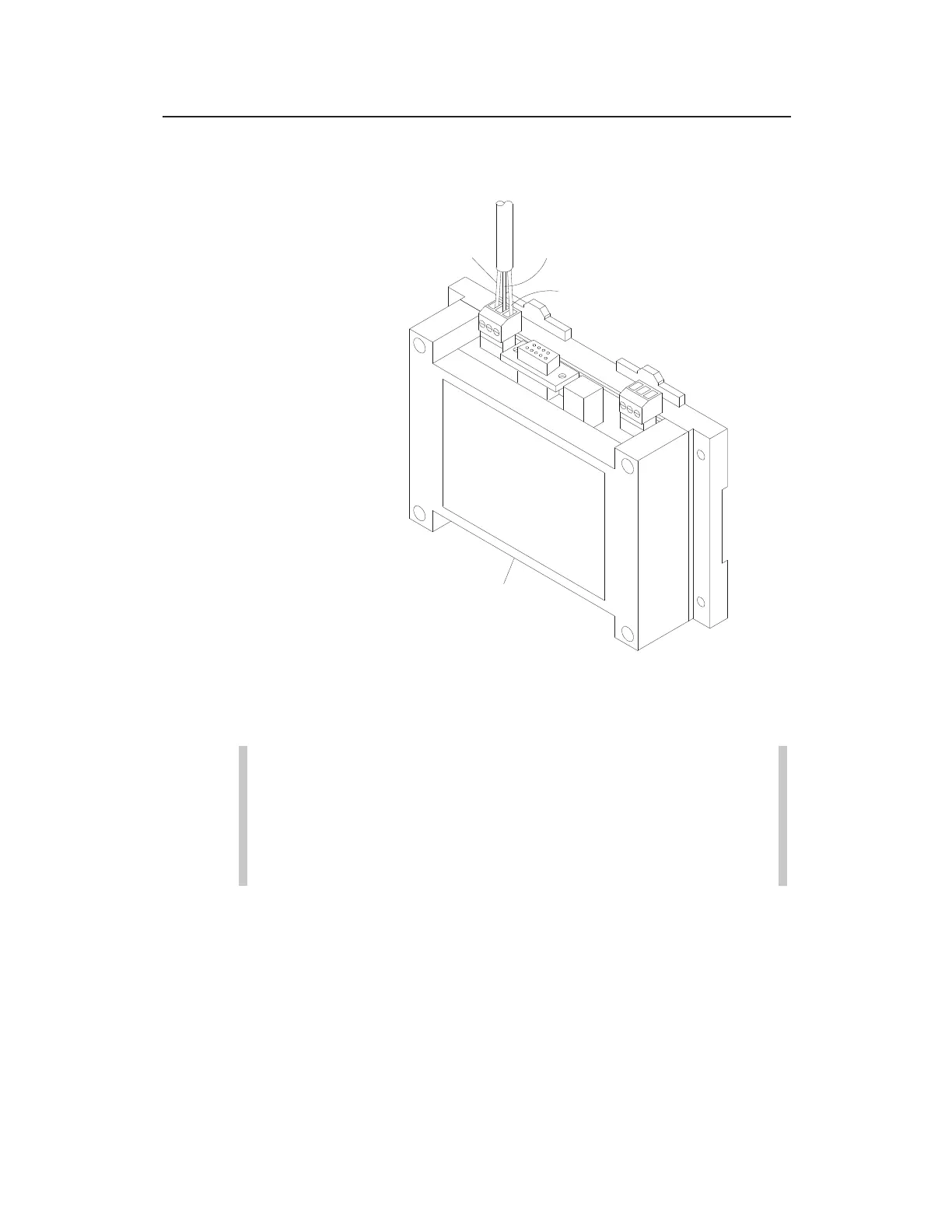
Running the wires to the proper terminals on the RS-485 terminal
connector
8. Insert the connector back into the RS-485 port on the ExPAC.
Note: Refer to the manufacturer’s documentation for the
device to which you are connecting the ExPAC to
determine the appropriate pin-out for the RS-485
connector on the device end of the cable. Identify the pins
for the D+ and D- signals and the GND or SHL.
9. (applicable only when the ExPAC is housed within an XBUS or
other enclosure) Gently pull on the cable from the outside of
the enclosure to remove any excess cabling inside the
enclosure. Hand-tighten the plastic nut on the cable gland
(when applicable) to secure the cable and prevent moisture or
debris from entering the inside of the enclosure through the
cable entry point. Then, close and secure the door to the
enclosure.
ExPAC
RS-485 CABLE
Positive Wire
Ground Wire
Negative Wire



 To Next Page