Maintenance and Troubleshooting 11-15
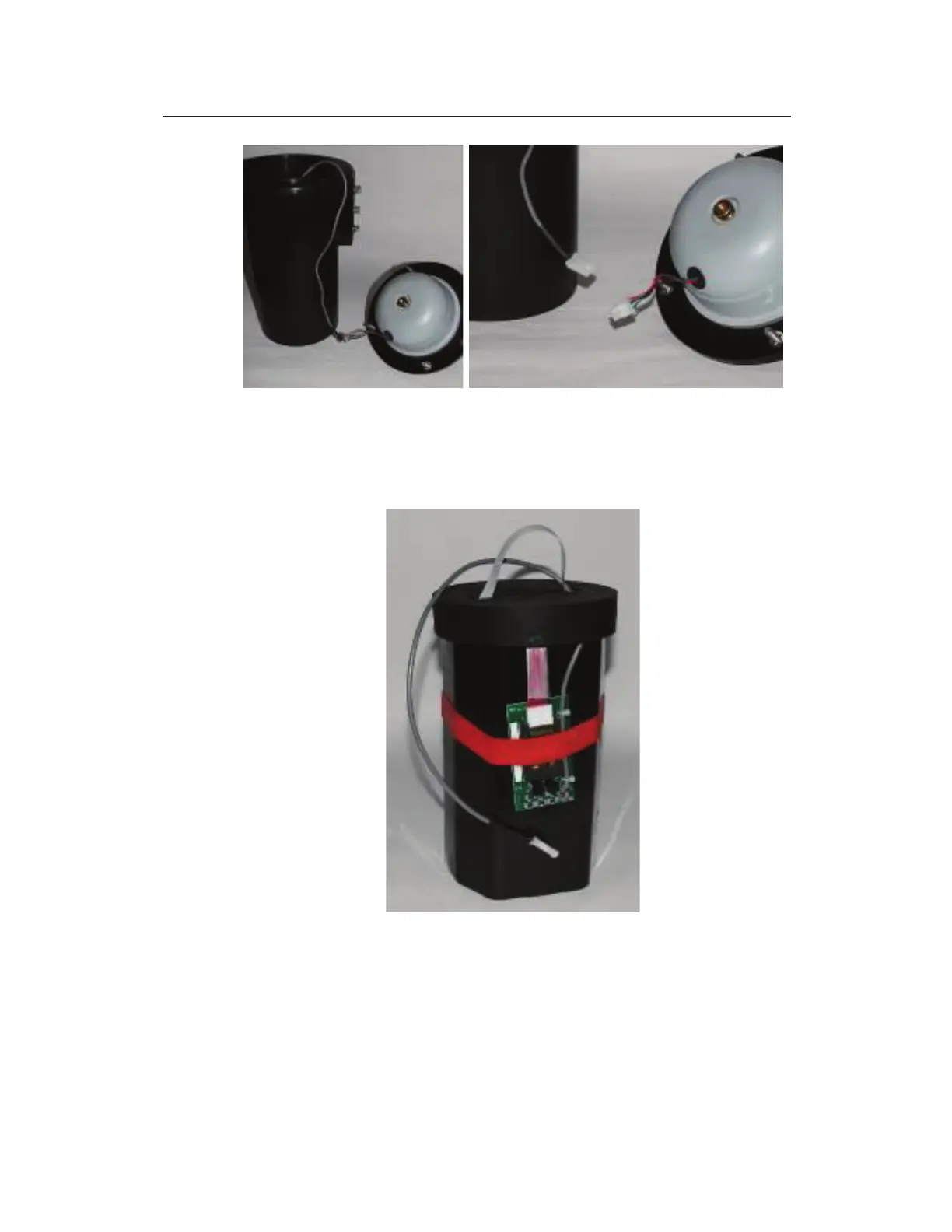
Placing the top next to the monitor (left) and disconnecting the cables at the
plastic white connectors (right)
8. Lift out the battery pack from the canister using the white
handle (band) attached to the top of the pack.
12-volt battery pack outside canister (with retainer plug on top)



 To Next Page