Maintenance and Troubleshooting 11-25
2. Remove the monitor from the manhole, and place it in a dry,
clean location (i.e., an adequate distance away from the
manhole).
3. Wipe away any debris or moisture that could enter the SIM
card enclosure on the monitor top once the cap is removed
from the enclosure.
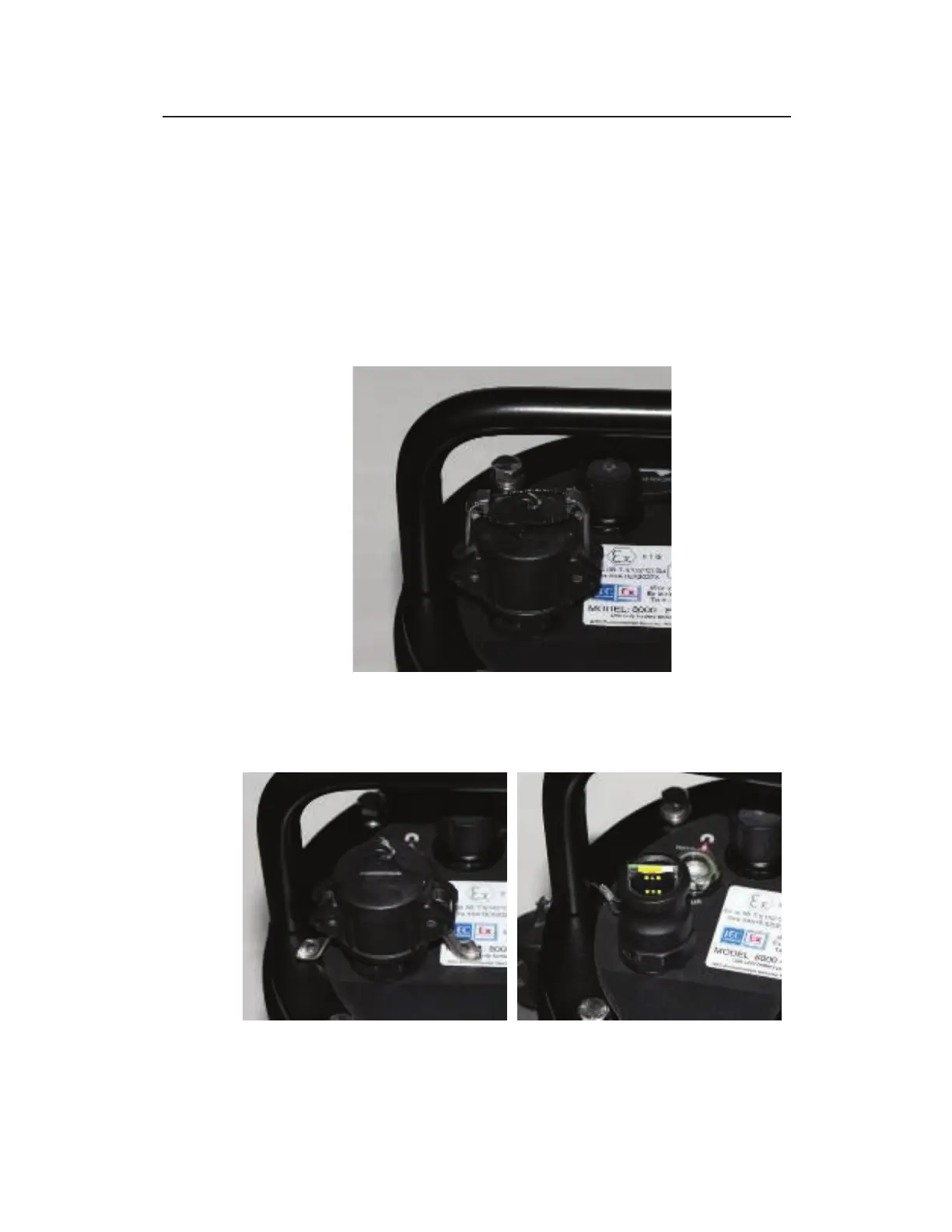
4. Release and remove the reusable plastic tie running between
the locks holding the cap on the SIM card enclosure.
SIM card enclosure with plastic tie
5. Pull out the locks securing the cap to the enclosure, and
remove the cap from the enclosure.



 To Next Page