11-26 ADS TRITON+ Manual
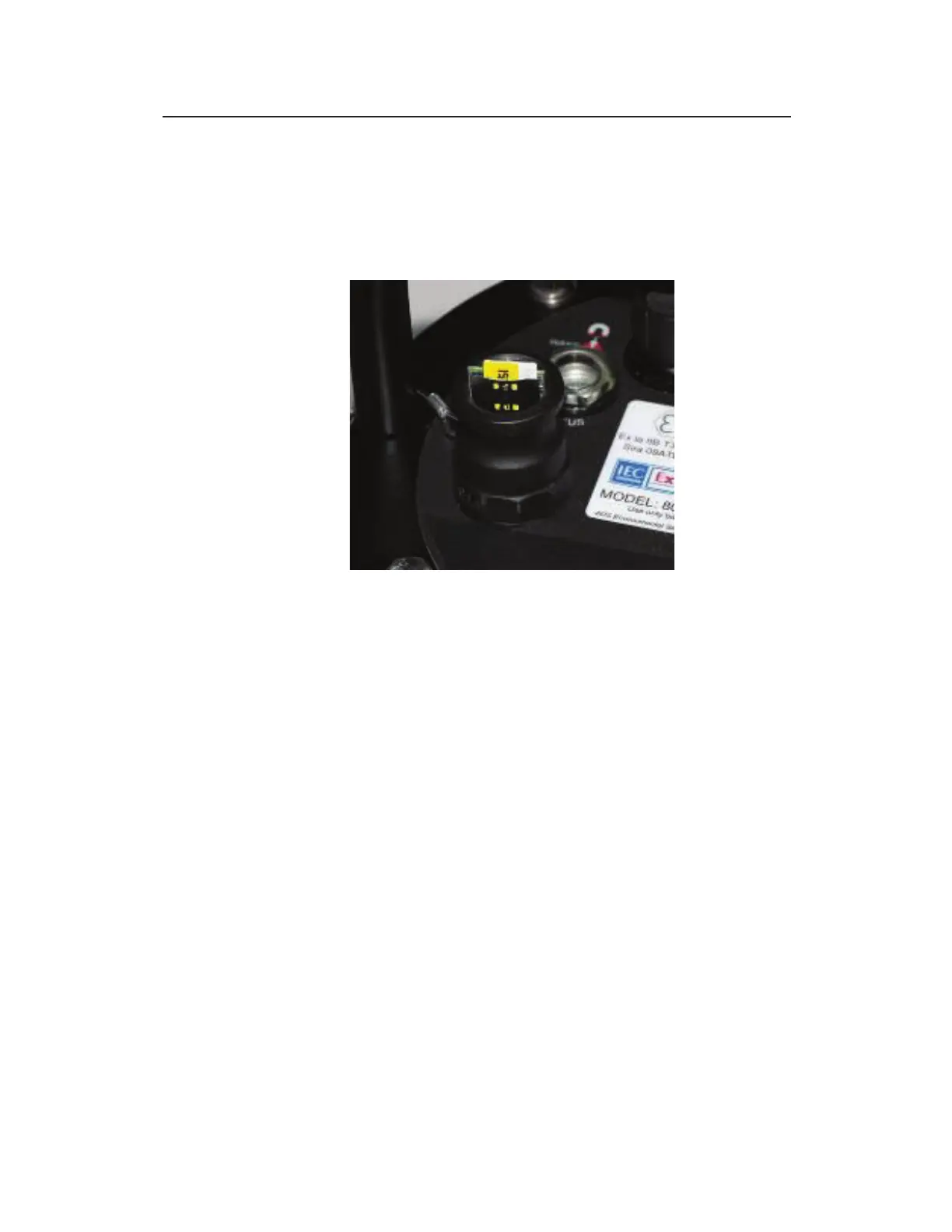
SIM card enclosure locks released (left) and enclosure cap removed (right)
6. The SIM card holder in the enclosure functions based on spring
action. Therefore, press the exposed edge of the SIM card into
the holder and release. The card should pop out slightly, freed
from its secured position.
SIM card slightly ejected from its secure position in holder
7. Slide the SIM card completely out of the holder.
8. Record the number of the new SIM card (IP address (applies
only to static IP addresses) and ICCID number). You will
need this information to update the monitor configuration in
the Qstart
XML
software and provide the ICCID number to ADS
(or customer network provided) to activate the new SIM card.
The IP address is printed directly on the SIM card or on a label
affixed to the card.
9. Insert the SIM card into the groove in the holder on the inside
of the enclosure, notched edge first with the contacts facing the
pressure valve. Slide the SIM card all the way into the holder,
and press down to lock it into place. The holder’s spring
mechanism should secure the card in the holder.



 To Next Page