Maintenance and Troubleshooting 11-27
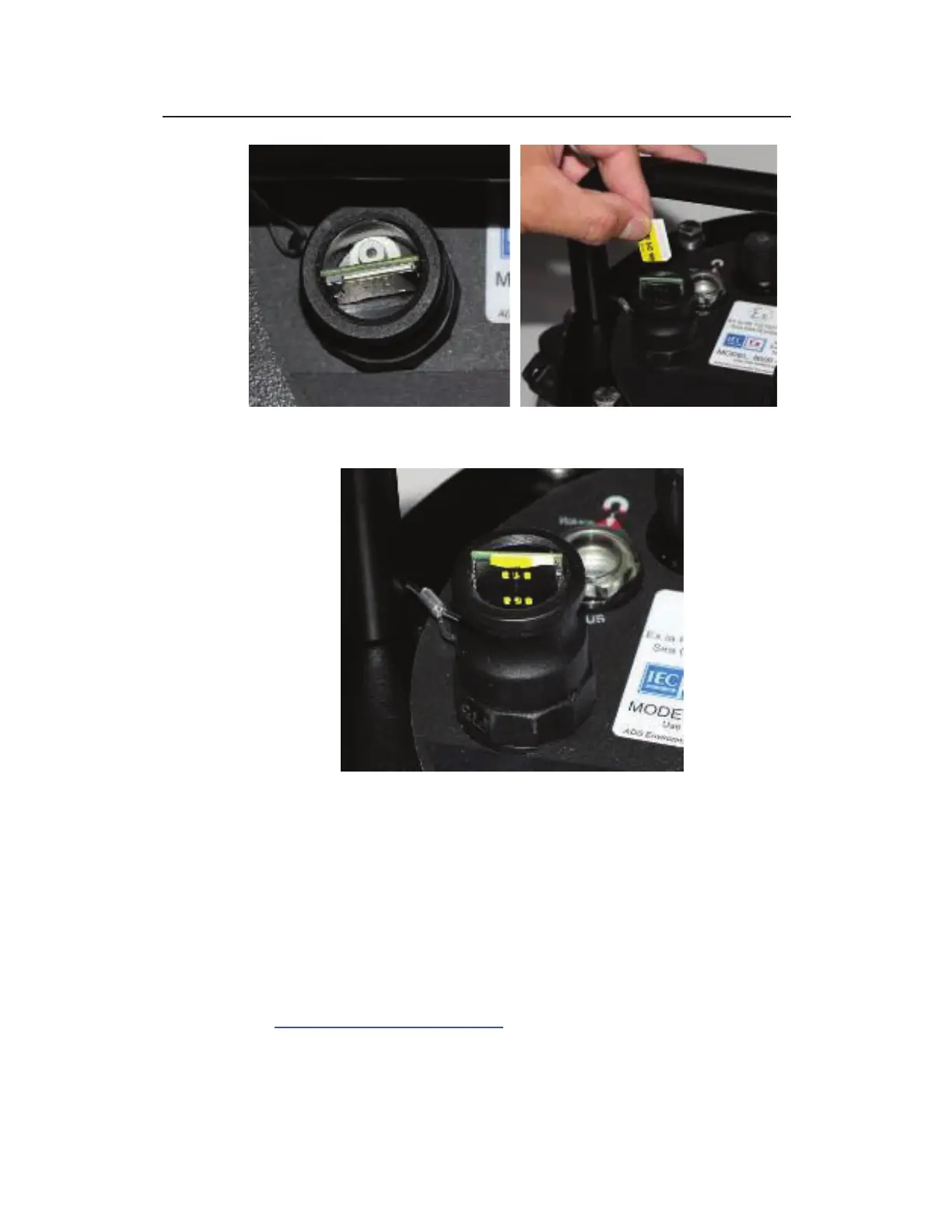
Empty SIM card holder showing pressure valve (left); inserting the SIM card
properly into the holder
SIM card properly seated and secured in the holder
10. Replace the cap onto the SIM card enclosure, and snap the
locks in place to secure the cap.
11. Replace and reconnect the plastic tie between the locks holding
the cap on the SIM card enclosure.
12. Change the APN name using Advanced > Modem Setup device
in Qstart
XML
(when necessary).
13. Request a SIM deactivation for the removed SIM by emailing
ADSEODIP@idexcorp.com (or the network service provider).
Include the SIM number (from the SIM card holder), the last



 To Next Page