11-30 ADS TRITON+ Manual
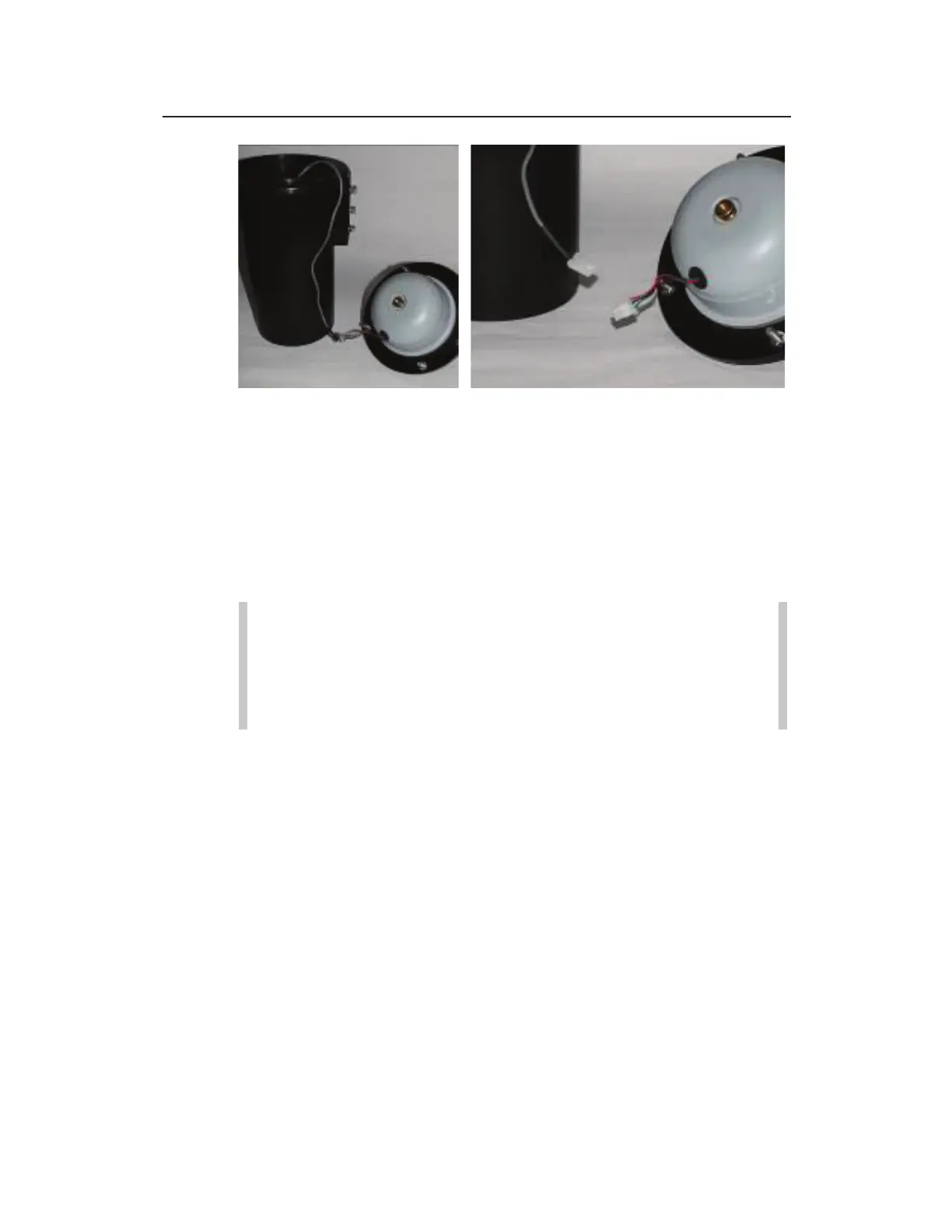
Placing the top next to the monitor (left) and disconnecting the cables at the
plastic white connectors (right)
7. Place the top next to the canister, and then disconnect the
battery cable from the dome cable and set the top/power
regulator dome assembly aside. However, do not disconnect
the battery cable while the monitor is awake (e.g., taking
readings or communicating)! When the monitor is awake,
characters and lights display on the LED STATUS window.
Note: Keep the underside of the top, the regulator dome,
and the top gasket free of dirt, mud, and other debris.
Debris and dirt can compromise the seal of the monitor
once it is reassembled. In addition, inspect the monitor
seal for damage.
8. Remove the brass thumb nut securing the dome to the monitor
top.



 To Next Page