Maintenance and Troubleshooting 11-31
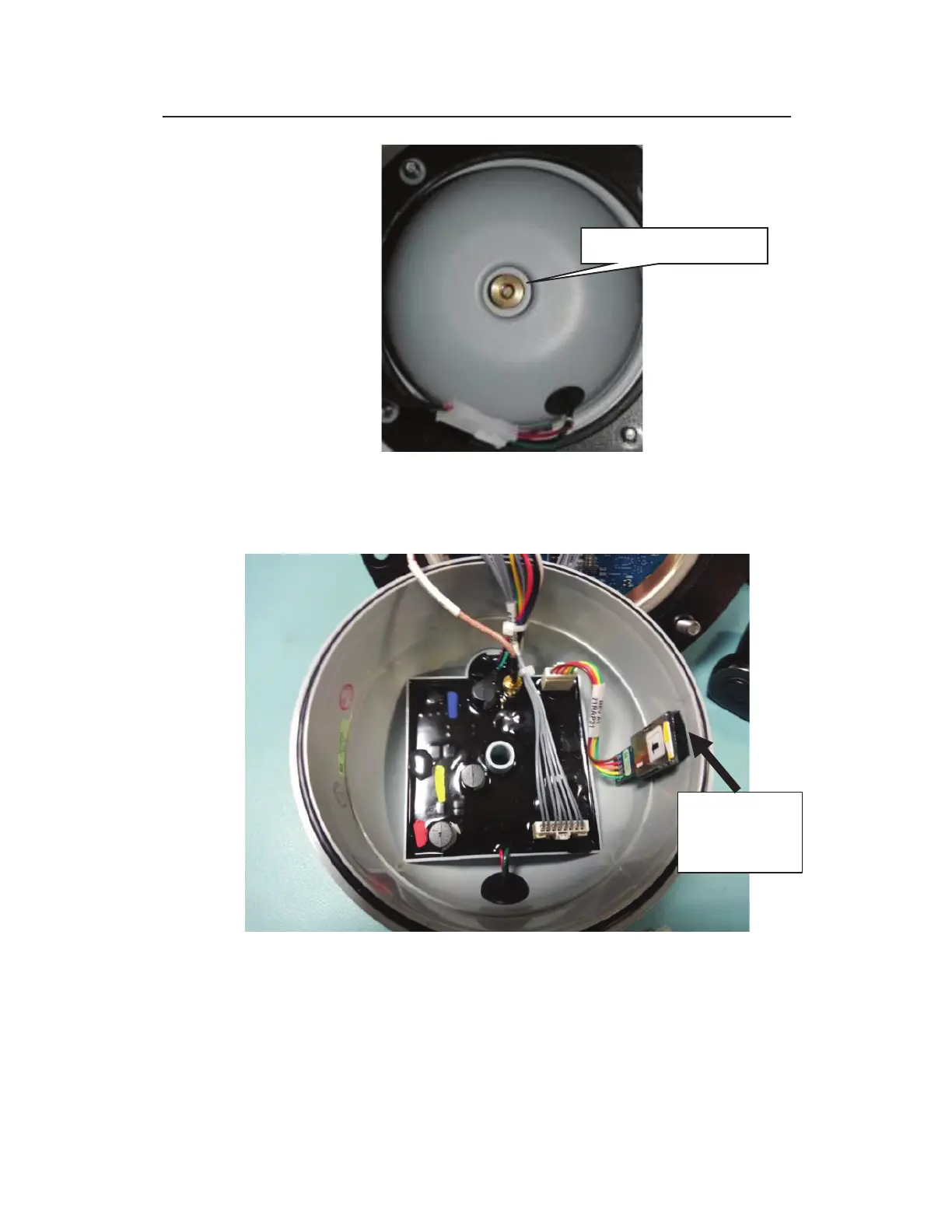
Removing nut securing regulator dome to monitor top
9. Carefully lift off the dome from the top (as if opening like a
book).
Open Regular/Modem Bowl Showing Internal SIM Card Holder
10. The SIM card holder in the enclosure functions based on spring
action. Therefore, press the exposed edge of the SIM card into
the holder and release. The card should pop out slightly, freed
from its secured position.



 To Next Page