11-38 ADS TRITON+ Manual
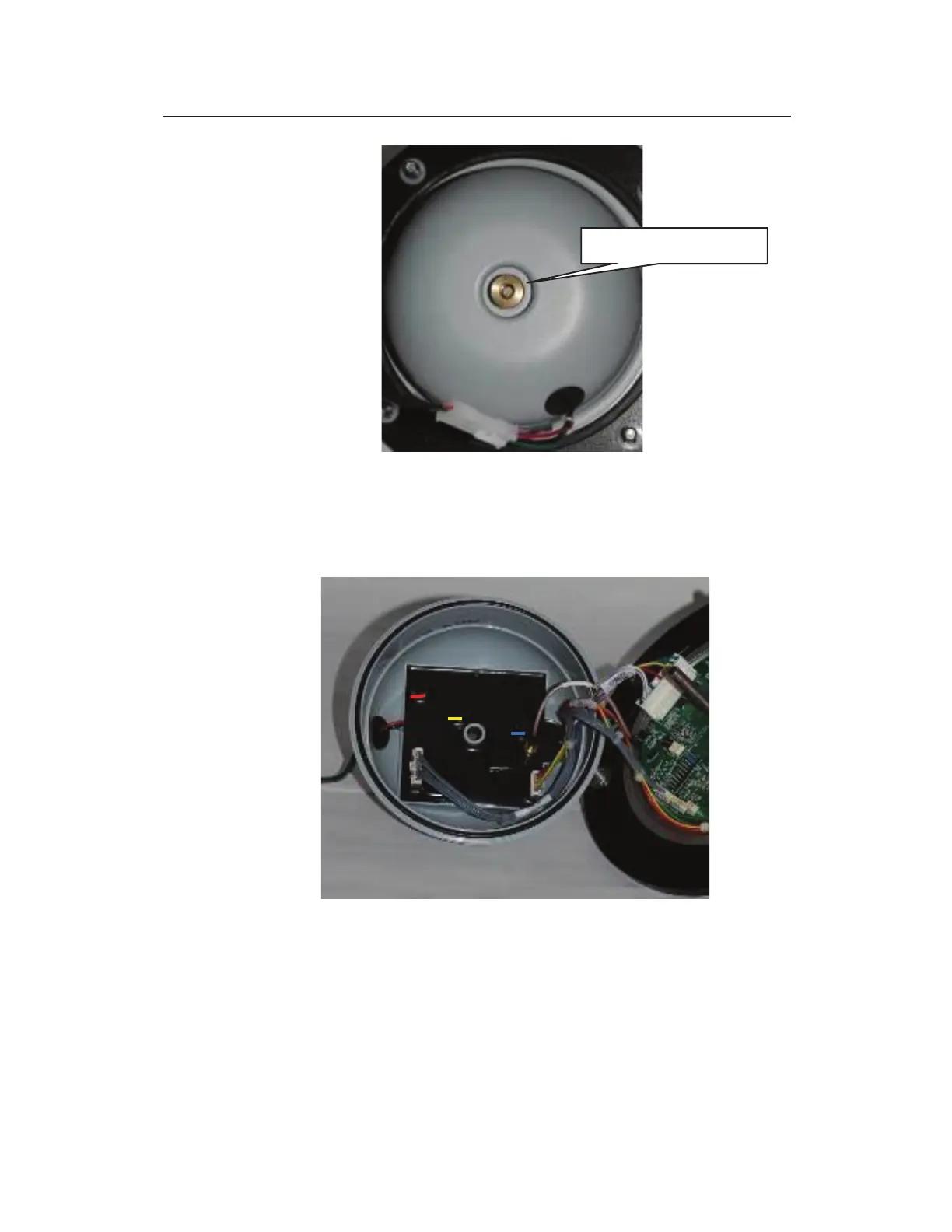
Removing nut securing regulator dome to monitor top
12. Carefully lift off the dome from the top (as if opening like a
book). Notice the three fuses seated on the regulator board on
the inside of the dome.
Inside of regulator dome (top) and underside of monitor top (bottom)
13. Remove the bad fuse(s) from the regulator board by gently, but
firmly, pulling and lifting it straight up from the board. Notice
that the label on each fuse displays a color bar (red, blue, or
yellow) that corresponds to the color coding on the board
adjacent to the fuse.



 To Next Page