10 / 94 DLT-V72 Series Manual V2.00 Advantech-DLoG
3. Operation
3.1. Switching the DLT-V72 on/off
The following factors determine how the DLT-V72 can be switched on and off:
− Is the DLT-V72 mounted on a vehicle and connected with the ignition signal?
− What are the automatic shutdown settings that were defined in the DLoG Config configuration
program?
Switch on
Switch the DLT-V72 on as follows, depending on the configuration:
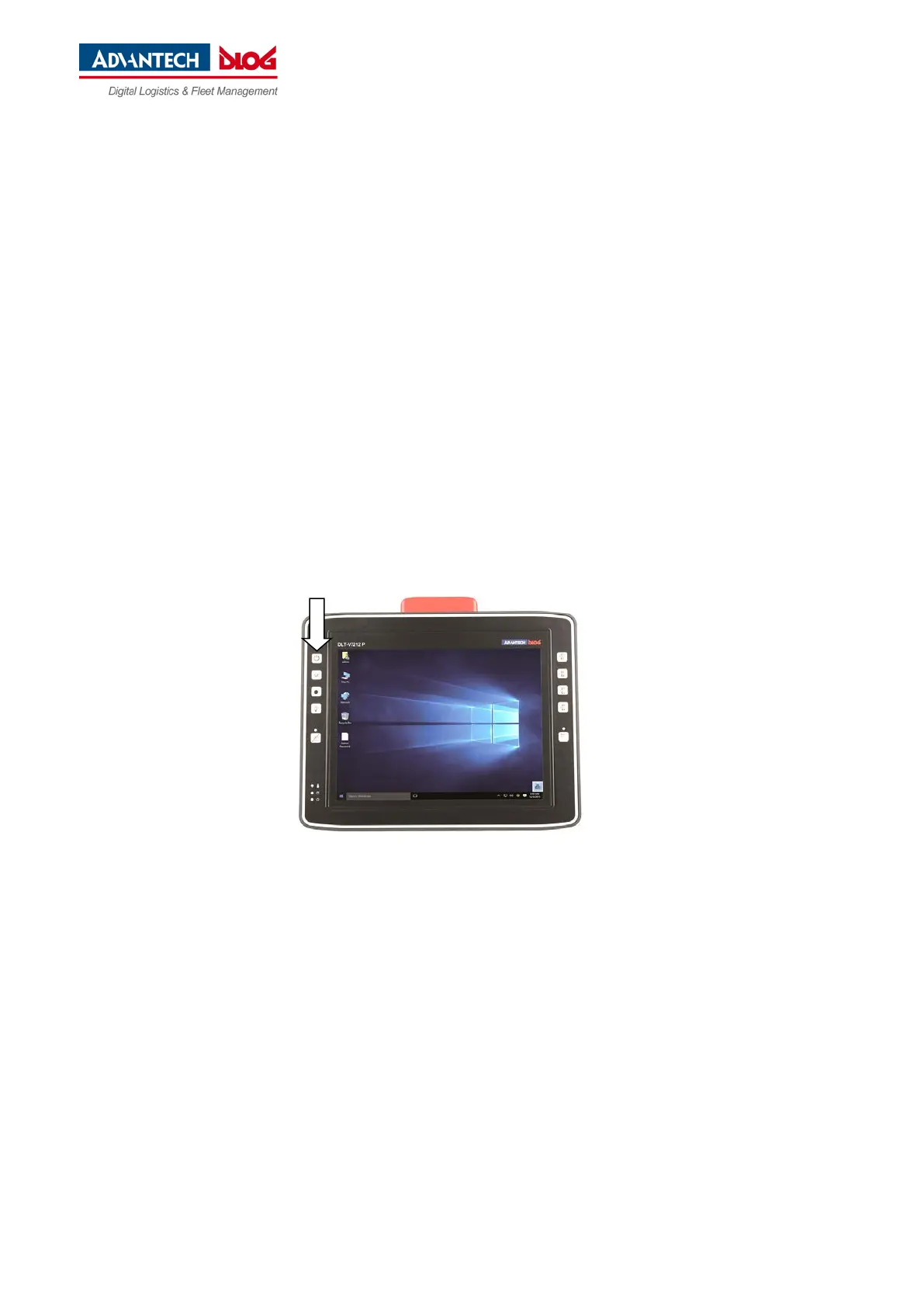
Press the <Power> button.
Or: By applying the supply voltage.
Or: Through the ignition signal of the vehicle (depends on automatic shutdown settings).
Fig. 3.1: <Power> button of the DLT-V72



 To Next Page