Advantech-DLoG DLT-V72 Series Manual V2.00 53 / 94
9.2.2. CFast slot
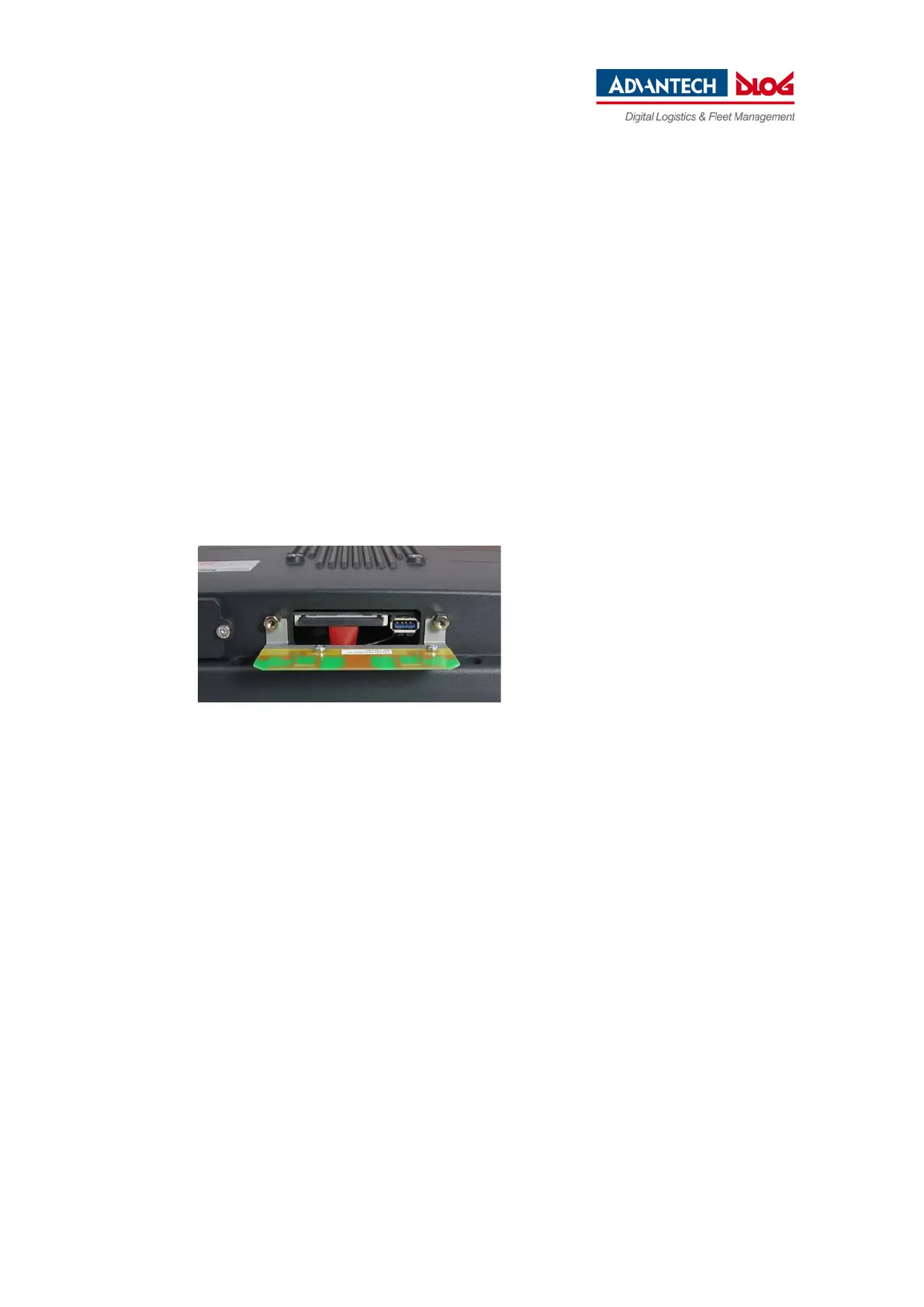
There is a CFast slot under the antenna cap.
Exercise special care when removing and re-inserting CFast cards.
Use only CFast cards that have been approved by Advantech-DLoG.
9.2.3. Antenna cap opening/closing
Opening
Loosen the two screws of the antenna cap using Torx screwdriver.
Carefully lift up the antenna cap.
Fig. 9.5: Antenna cap opened
Closing
Place the antenna cap back onto the DLT-V72.
The antenna cap seal must not be damaged; it must be seated correctly in the groove.
Tighten the two screws of the antenna cap again (1 Nm torque).



 To Next Page