Advantech-DLoG DLT-V72 Series Manual V2.00 77 / 94
12.9. Scanner and scanner bracket (optional)
You can connect scanners to either the USB interface or the serial interface.
Please contact your Advantech-DLoG sales representative if needed.
If connected to COM1, the scanner can be powered through the interface with a voltage of 5 V.
Use only scanners that have been approved by Advantech-DLoG.
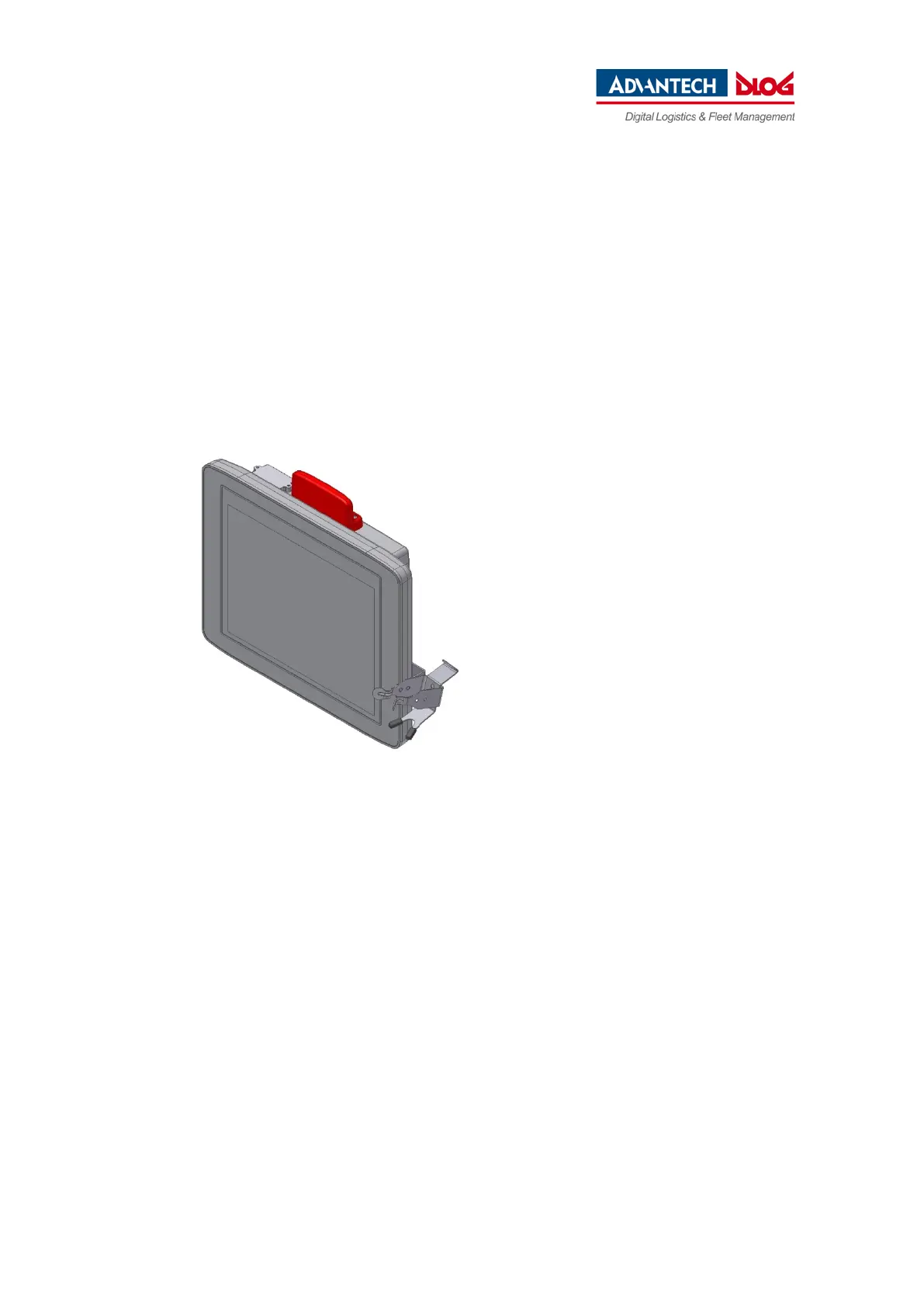
Optional scanner brackets are available for the DLT-V72.
Fig. 12.10: Example scanner bracket



 To Next Page