70 / 94 DLT-V72 Series Manual V2.00 Advantech-DLoG
Procedure for opening the battery cover
IMPORTANT: Switch off the DLT-V72.
Loosen the two screws of the battery cover using an Allen wrench.
Remove the battery cover.
Remove the battery pack.
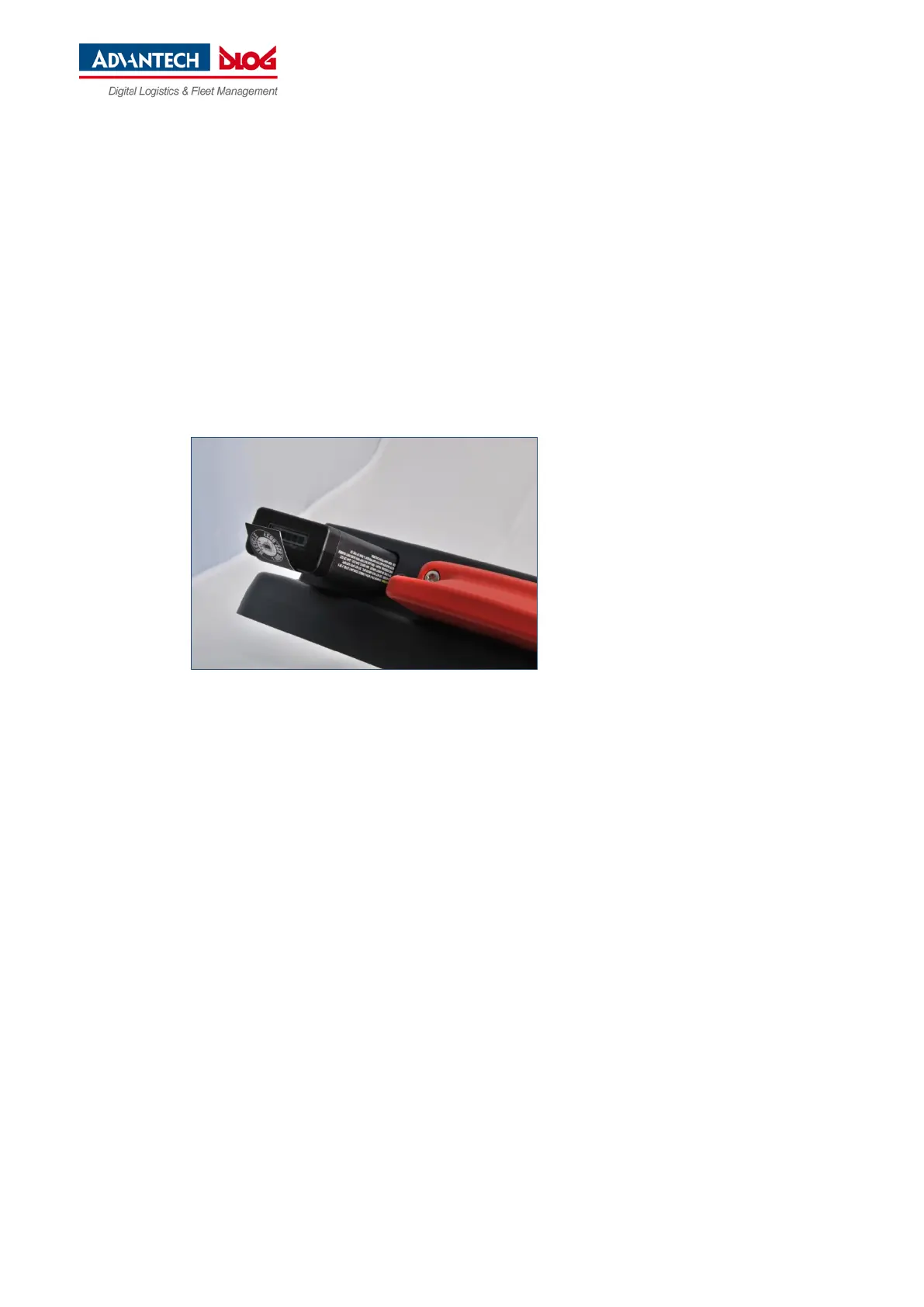
Insert the new battery pack into the battery pocket as shown in the figure.
Make sure that the removal tab of the battery pack is inside the sealing surface.
Then reattach the battery cover (tightening torque 2 Nm).
Fig. 12.2: Inserting the battery pack in the battery pocket



 To Next Page