52 / 94 DLT-V72 Series Manual V2.00 Advantech-DLoG
9.1.4. COM1 as a voltage source
The COM1 interface can optionally supply to externally connected equipment with +5 VDC.
The voltages are protected by internal fuses and may not exceed a continuous consumed current
of 1 A at 5 V.
Depending on the connected devices, the maximum current consumption may be significantly lower.
Using the DLoG Config tool, you can select whether +5 VDC or RI is output on pin 9 of COM1.
9.2. Under the antenna cap
Improper opening of the antenna cap can impair the function of the entire DLT-V72 system and
in particular the Wi-Fi functionality.
The antenna cap may only remain open for the duration of the service work.
No objects or liquids may enter the opened DLT-V72 during this.
Only when the antenna cap is properly closed again may operation be resumed; the protection
class/category is only ensured again after doing so.
9.2.1. Service USB
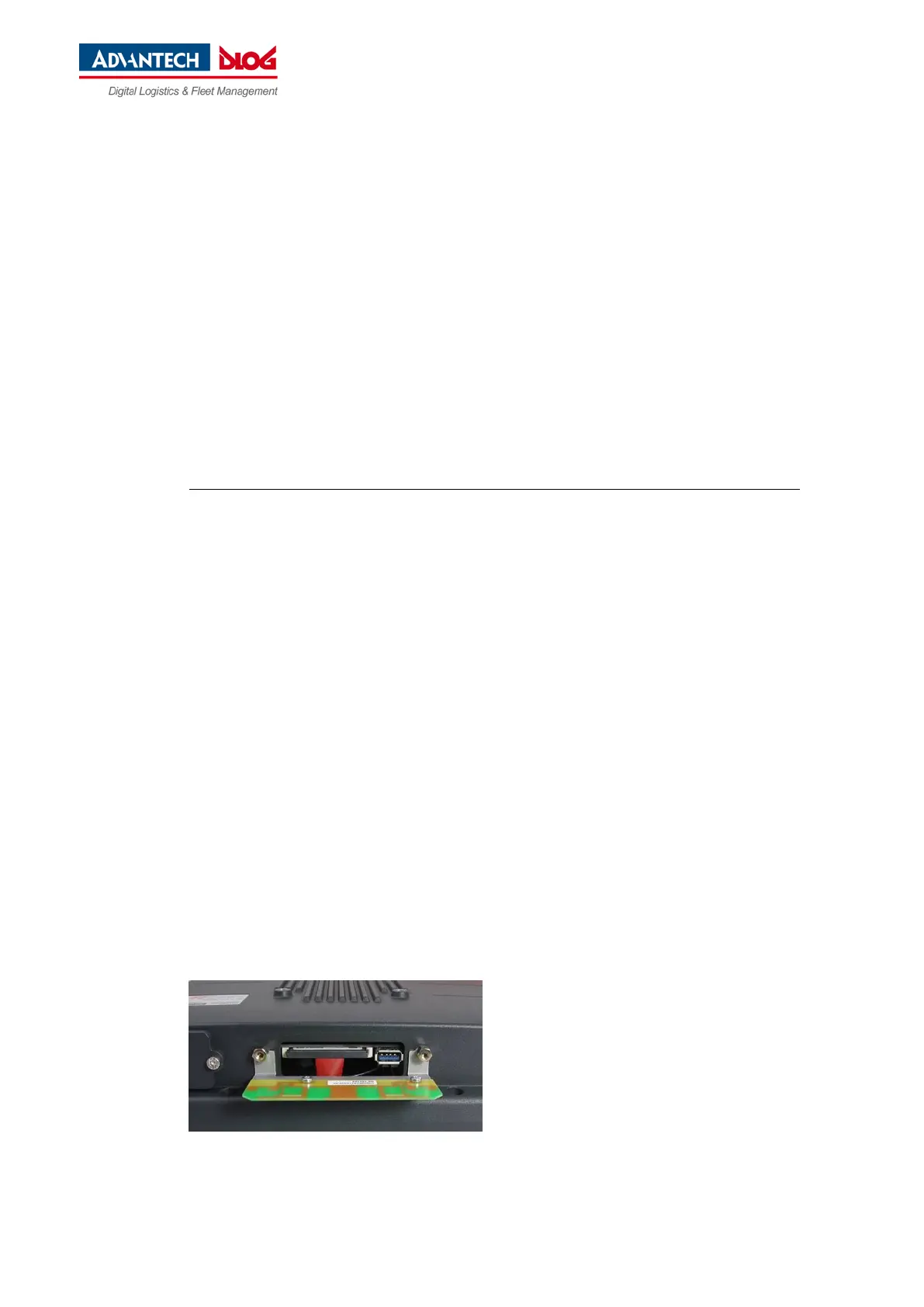
There is a service USB interface under the antenna cap. It can be used for service purposes, e.g. to
install software updates.
− USB 3.0 SuperSpeed
− Fused at 1.0 A per channel
− ESD Level 4 protected (according to EN 61000-4-2)
A plug connector which meets the specific shock and vibration requirements is used for the service USB
interface.
Exercise special care when removing and plugging in USB connectors.
Fig. 9.4: Antenna cap opened



 To Next Page