82 / 94 DLT-V72 Series Manual V2.00 Advantech-DLoG
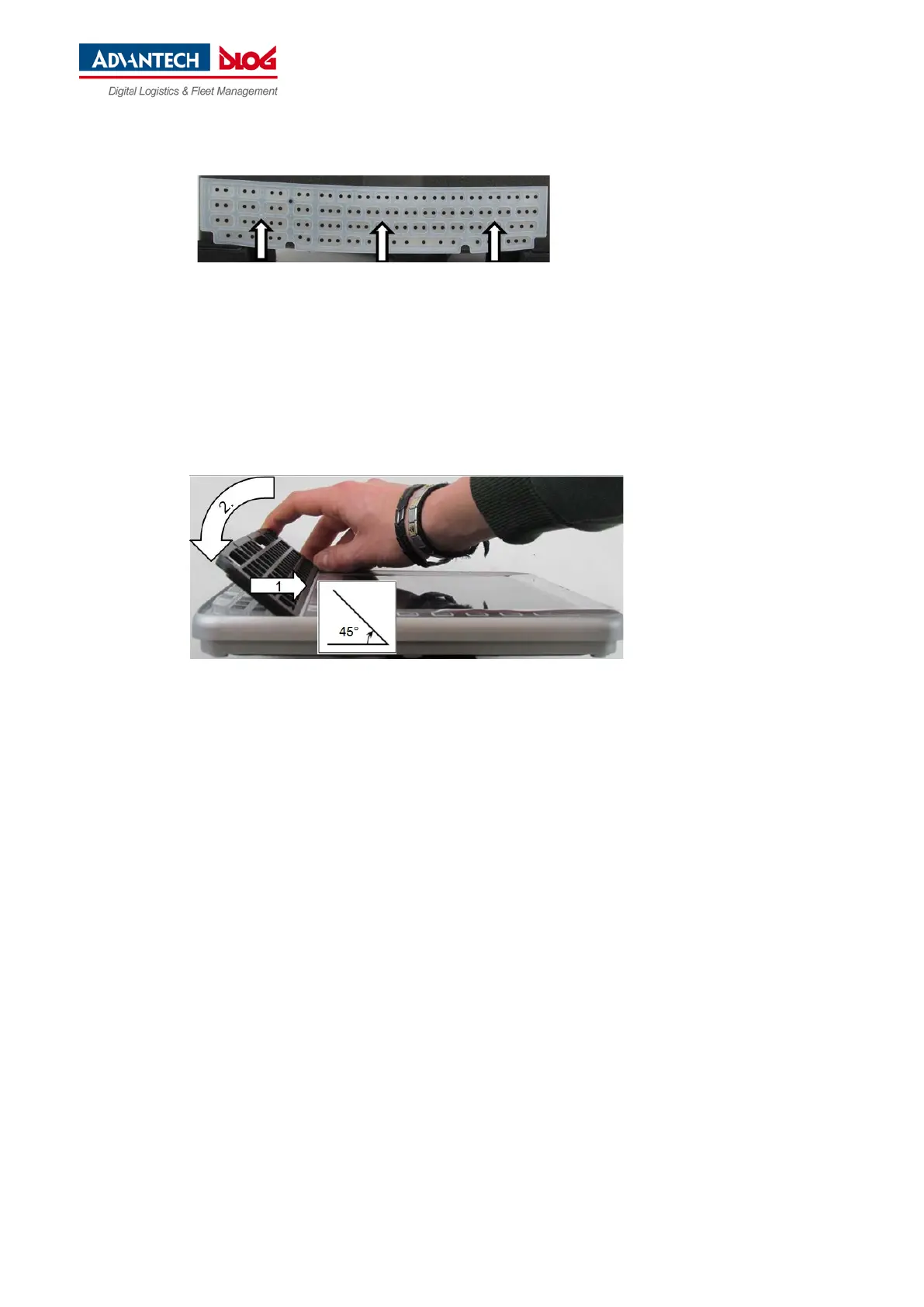
− Carefully press the 3 nubs on the back
of the silicone keypad into the
openings provided on the circuit board.
Place on the keyboard grid at a 45° angle, see Fig. 13.4.
Snap in keyboard grid lugs
Fold keyboard grid onto keyboard
Align keys
Press keyboard grid firmly
Fig. 13.4: Attach keyboard grid
Use a TX10 screwdriver to tighten the 5 mounting screws of the integrated keyboard.
Tightening torque: Maximum 2 Nm.



 To Next Page