Advantech-DLoG DLT-V72 Series Manual V2.00 31 / 94
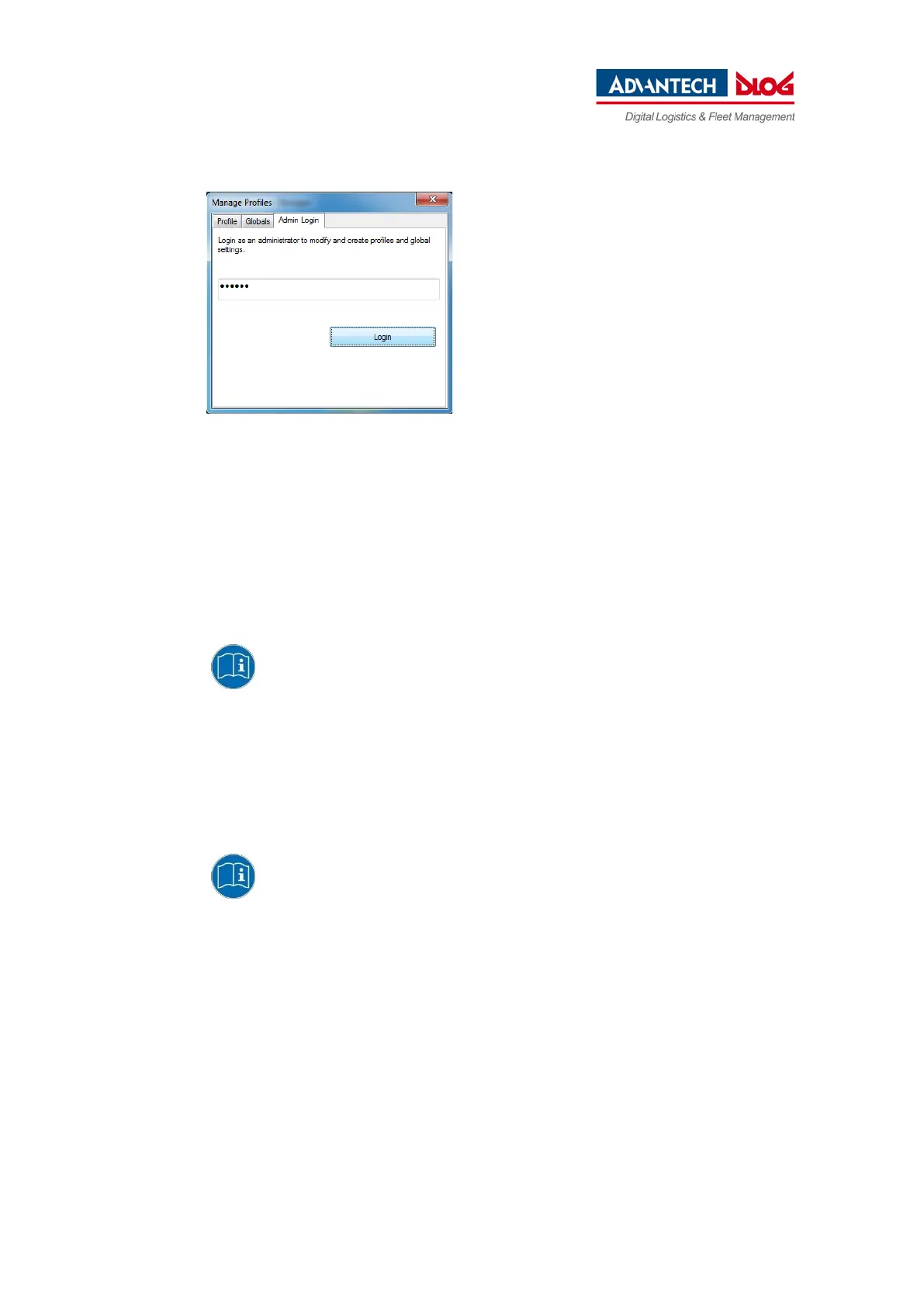
Fig. 6.3: Entering the LCM password SUMMIT
Default password: SUMMIT.
Must be entered in upper-case characters.
6.2.6. Windows Zero Configuration (WZC)
You will find information on WZC in the Microsoft Windows online help system.
6.2.7. Wi-Fi configuration DLT-V72 with ADLoG Android
You can find configuration information on DLT-V72 devices with ADLoG Android™
in the "ADLoG Android™ Manual". You can request this manual from the ADLoG
Helpdesk (see Technical Customer Support).
6.2.8. Wi-Fi configuration DLT-V72 with ADLoG Linux
You can find configuration information on DLT-V72 devices with ADLoG Linux in
the "ADLoG Linux Manual". You can request this manual from the ADLoG Helpdesk
(see Technical Customer Support).



 To Next Page