Electrical installation, cable connection, cable cover
Advantech-DLoG DLT-V72 Series Manual V2.00 47 / 94
8.4.2. Ethernet cable
Plug the Ethernet cable into the associated port.
Fold open the round cable passage in the rubber seal.
Insert the Ethernet cable.
Secure Ethernet cable to the strain relief rail with cable clips and screws.
ATTENTION Tighten the mounting screws sufficiently but on no account pinch or crush the cable.
If you do, the cables may break or the cable insulation may get damaged.
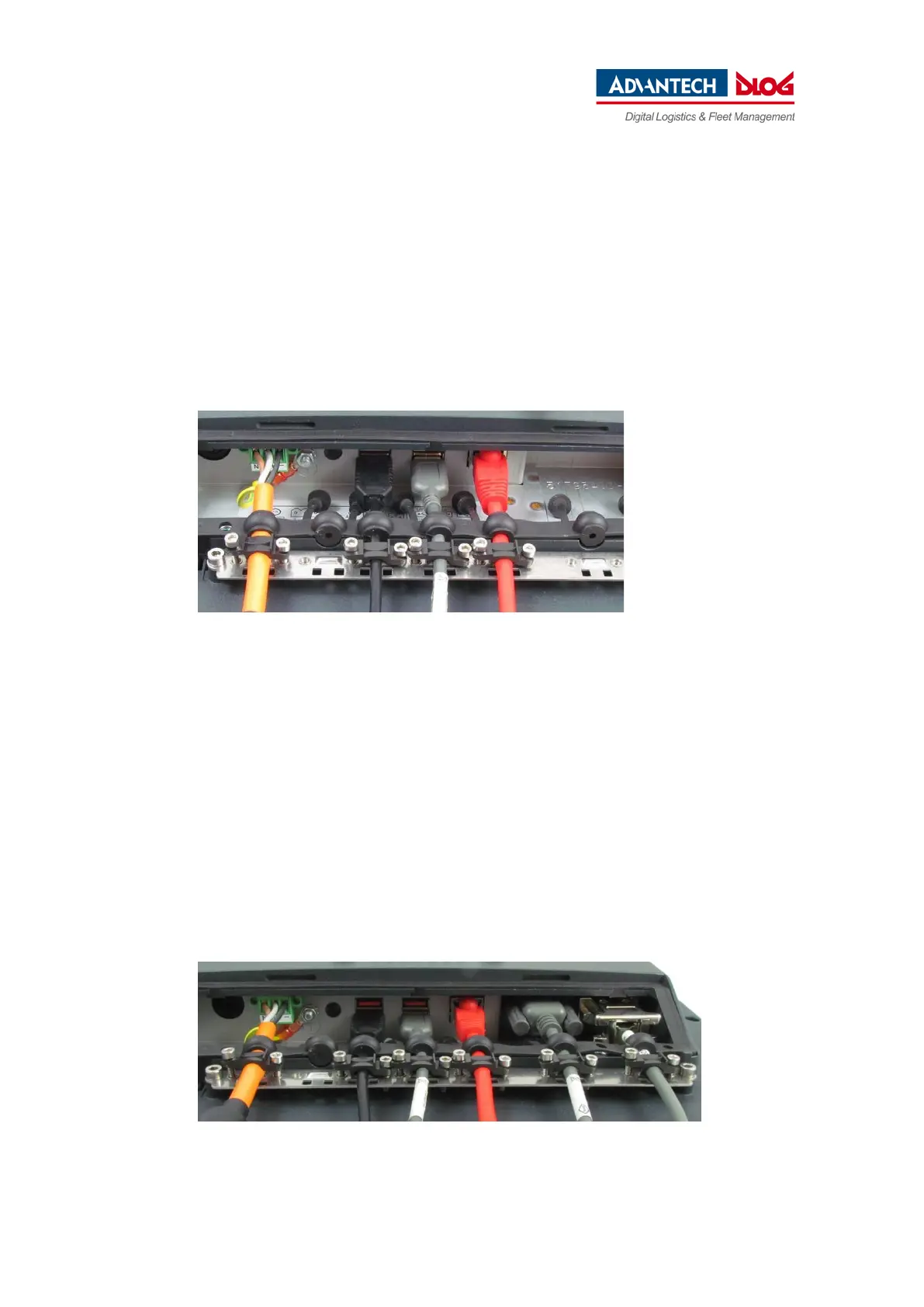
Fig. 8.6: Ethernet cable on the connector panel; secured to the strain relief rail
8.4.3. COM cable
Plug the required COM cable into the associated port.
Fold open the respective round cable passage in the rubber seal.
Insert the COM cable.
Secure the COM cable to the strain relief rail with cable clips and screws.
ATTENTION Tighten the mounting screws sufficiently but on no account pinch or crush the cable.
If you do, the cables may break or the cable insulation may get damaged.
Fig. 8.7: COM cable on the connector panel; secured to the strain relief rail



 To Next Page