AfiMilk MPC Installation Manual 116
Loading Software onto AfiMilk MPC
Chapter
13
AfiMilk MPC Version selection
AfiMilk MPC version to load is placed in the versions directory of AfiControl.
To upgrade software from the parlor
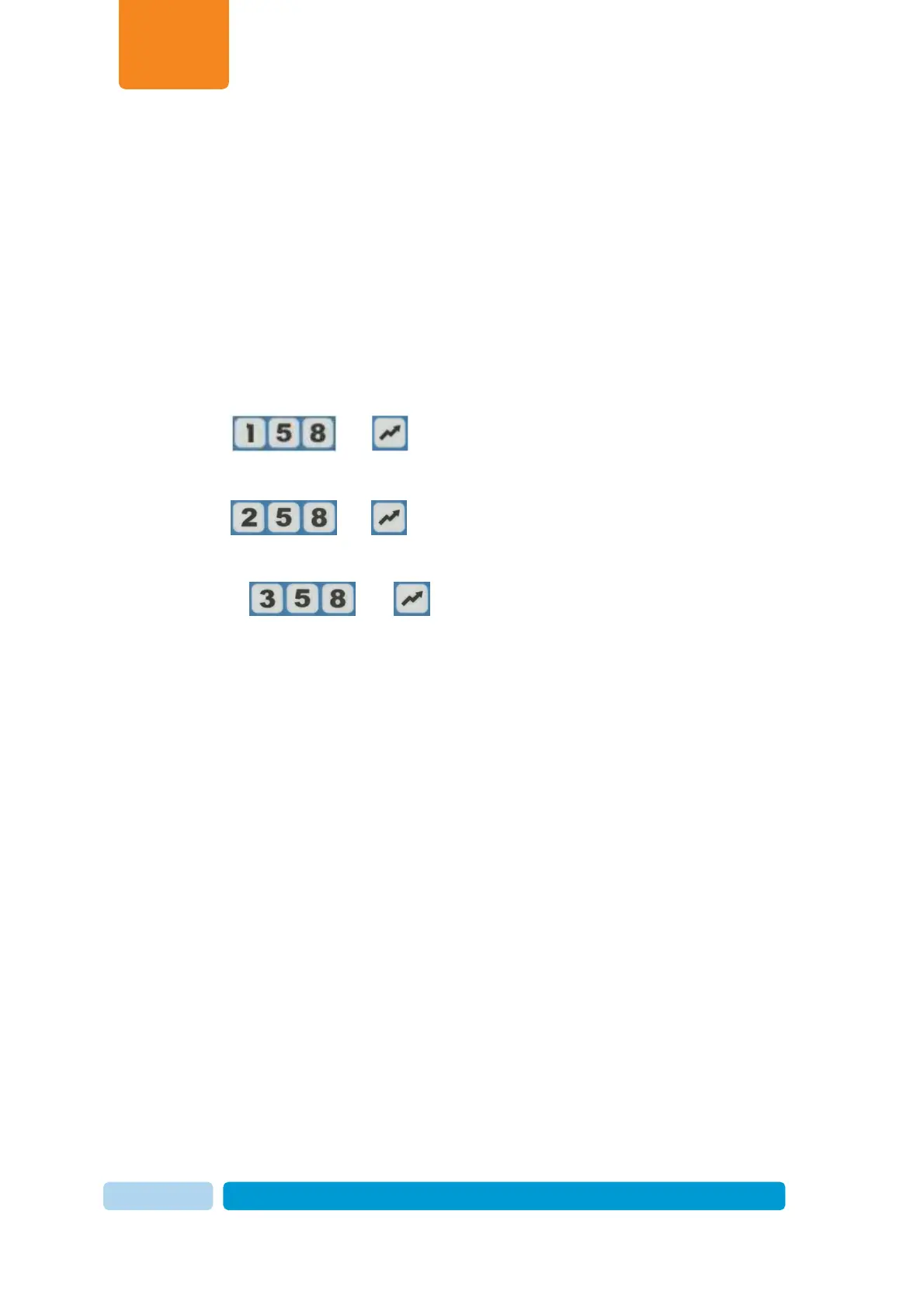
1. At afimilk MPC keyboard, Click the key sequence corresponding with the procedure
you are using:
2. To upgrade a single device in the parlor -Send message
and .
o To upgrade a side of a herringbone/parallel parlor -Send message
and .
o To upgrade all of the meters in the parlor -Send message
and .
3. The display on the meters being upgraded shows the following sequence:
o The message that was entered appears briefly (158, 258 or 358)
o LoAd appears briefly
o Strt appears briefly
o A countdown begins, indicating the remaining time for download. For
example, if the countdown starts near 38, the display will show A38.0,
A37.9 and so forth.
4. When complete, the meters return to their previous state. For example, if the meters
were in Wash mode, the temperature is displayed (25C).


 To Previous Page