AfiMilk MPC Installation Manual
53
First Time Operation
Chapter
7
Rotary parlor numbers are sequential, where milking point number one is at attachment
position when the parlor is at rest between sessions (System connected to wash).
Setting ID numbers at the Control Box
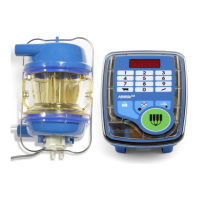
Afimilk MPC ID number is indicated on its control panel by four characters. It begins with
the letters , followed by two numeric digits. For example, is the identification
number for milk meter number three. At power-up, the milk meter displays its ID number
for a few seconds.
Enter the Afimilk MPC identification number as follows:
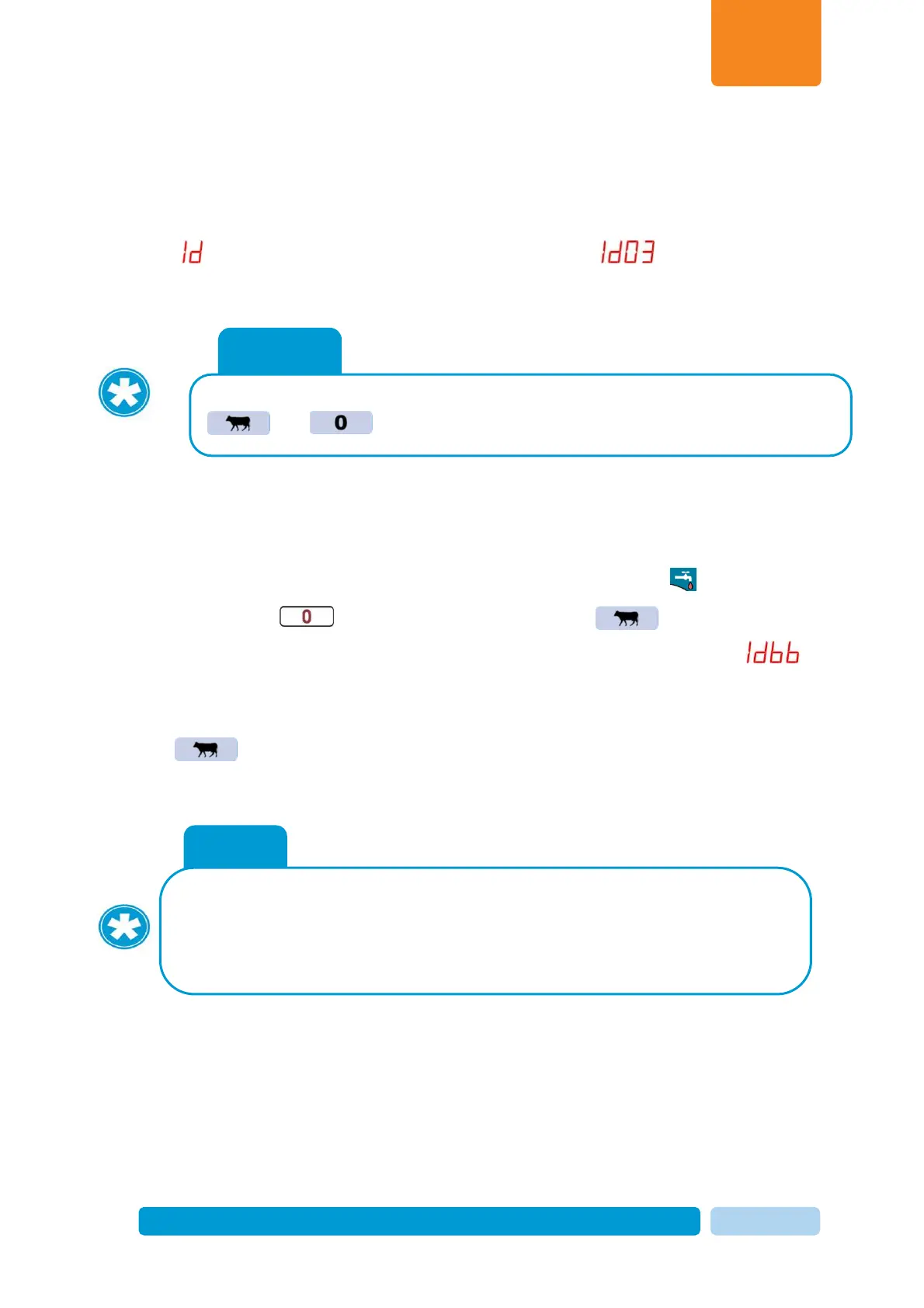
1. Ensure cleaning working mode (illuminated cleaning key indicator )
2. Press number key four times, then press Cow key .
3. Stall ID number is displayed. In new control boxes the number displayed is .
4. Type Stall ID number corresponding with milking point number as explained above in two-
digit format (example: for stall number 7 type 07).
5. Press to save the new number.
The new ID number is now defined.
In some situations embedded software need to be loaded into afimilk
MPC control units. For instructions, Refer to the last section of this
manual "Loading software into afimilk MPC".
Note
Milk meter identification number can be displayed any time by pressing
and simultaneously.


 To Next Page