AfiMilk MPC Installation Manual 74
Chapter
7
First Time Operation
8. Hold the air gauge in a vertical position and allow air admission via claw orifice. Write
down the air intake the gage measures. This measurement will be used for calibrating
the “G” parameter value as described below.
Repeat measurement procedure at each milking point.
Adjusting calibration value per air intake
Adjust the value of
G
&
H
parameters in each milk meter according to air admission measured,
per the table below.
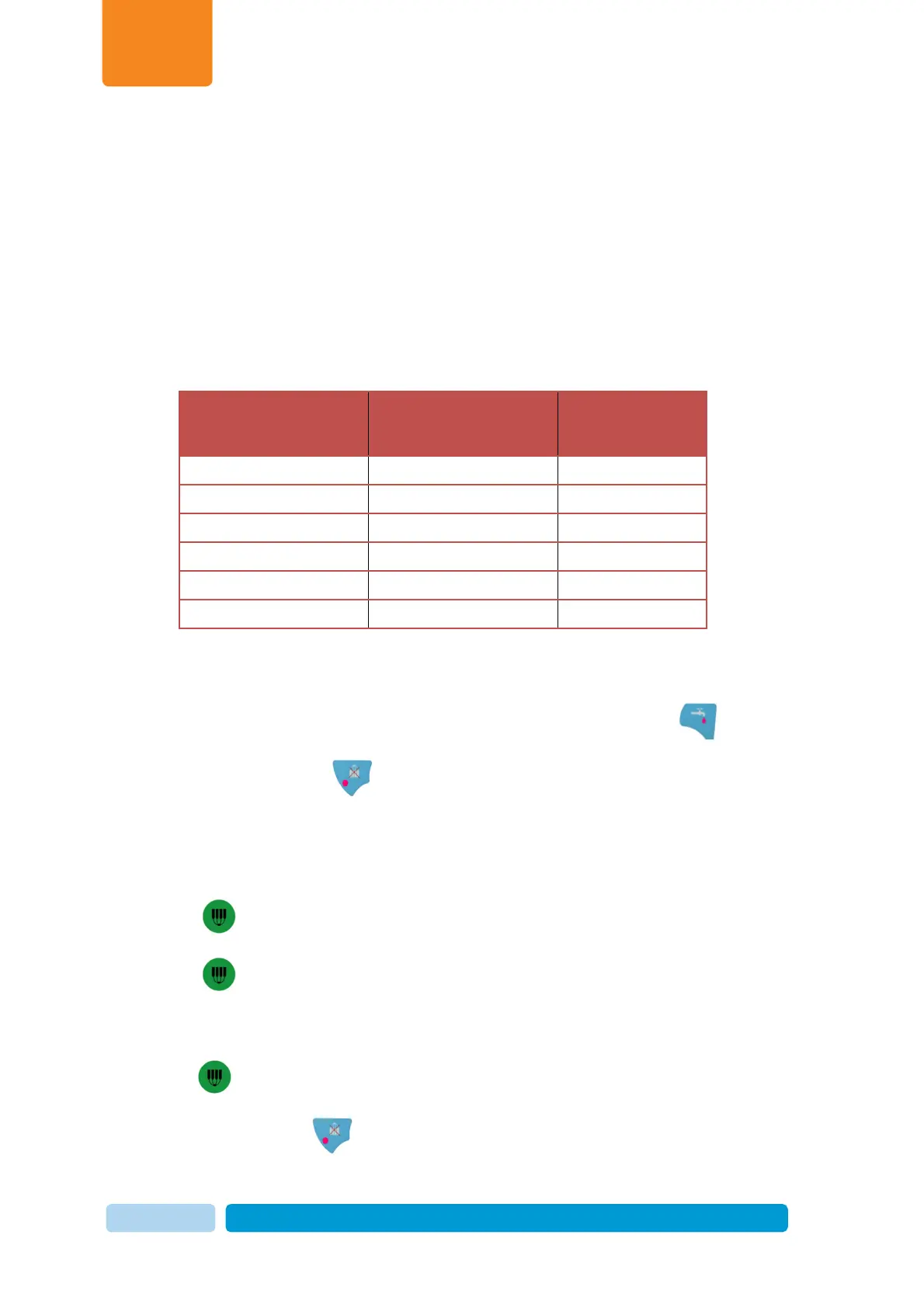
Air Admission in the
Cluster
(Liters per minute)
G value for calibration H value for
calibration
6–7
40 30
7–8
46 37
8–10
49 (default) 40
11–13
55 46
14–17
60 50
18–20
65 55
To adjust
G
&
H
parameters follow this procedure:
o Ensure that Afimilk MPC is in wash mode
(
wash LED illuminated ).
o Type
2580
and press to access programming mode.
o Press Group access number -
4
to enter Calibration Group
o
G
is the first parameter in the group and its value will appear after a short delay.
o Press -
G
flashes indicating that editing is enabled.
o Type the desired value.
o Press to confirm.
o Scroll down to the second parameter in the group –
H
and change its value in the
same manner as explained above.
o Press to confirm.
o When done, press twice to exit editing mode.


 To Next Page