AfiMilk MPC Installation Manual 84
Chapter
8
Unique Setup & Configurations
Viewing the Remaining Working Hours per Liner
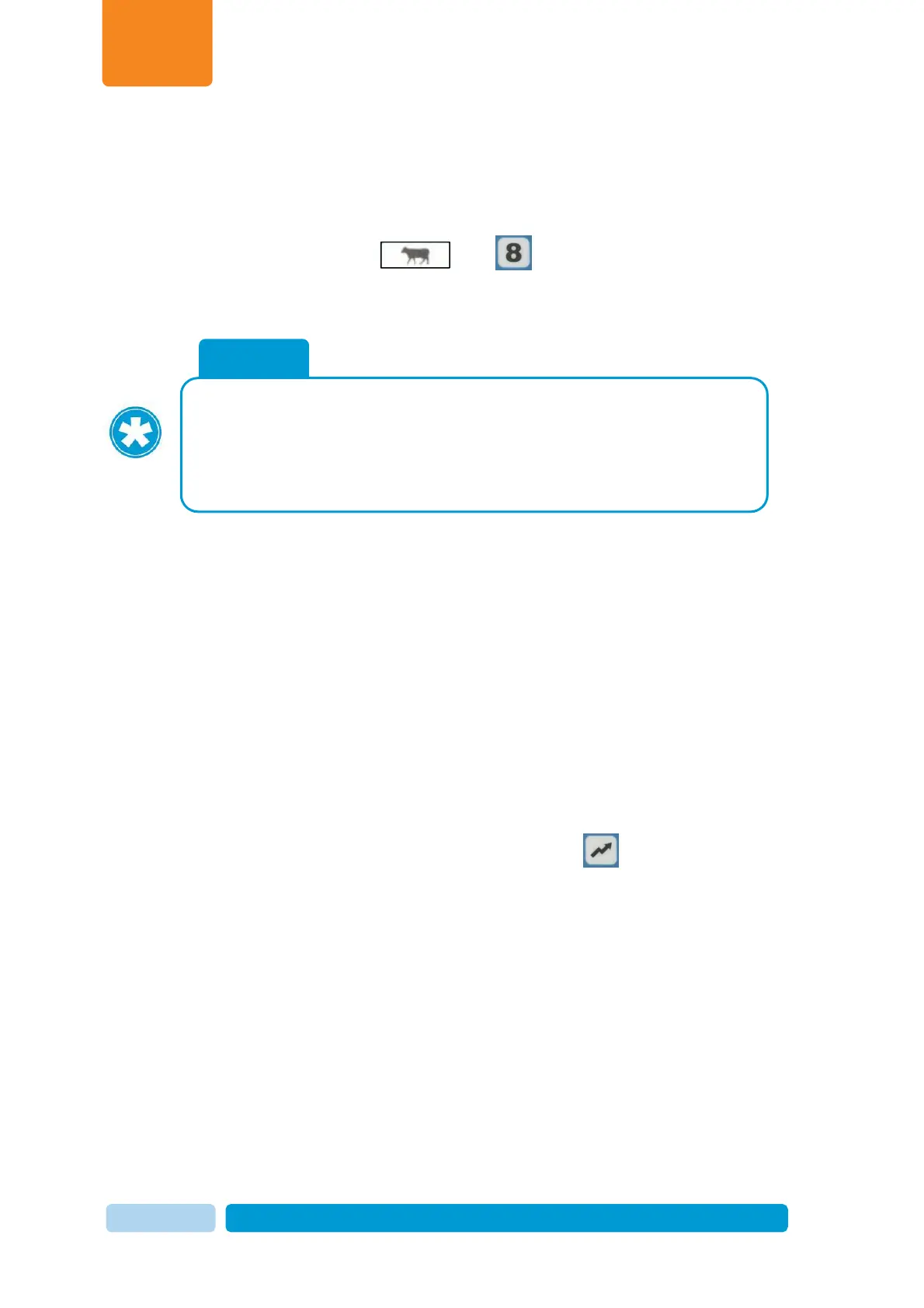
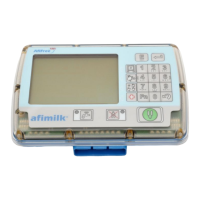
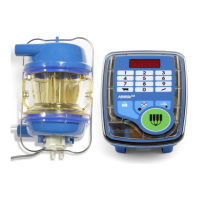
afimilk MPC allows the user to check the remaining working hours of the liners via its
control panel.
To display the remaining working hours
On the afimilk MPC
keypad, press and simultaneously
The display present the number of hours left until liner replacement is
required.
If exceeding replacement date, time for replacement has expired. In such situation the
display shows a minus sign near the hours indicating the hours elapsed from expected
liner replacement
Resetting Liner Replacement Timer
When liners are replaced, the liner timer should be zeroed to re-start counting for the
new liners.
To reset the
Linr
parameter back to its original value
In the relevant afimilk
MPC keyboard, type 9870 and press .
When arriving at replacement date the time counter reaches 0. Then,
an alert Linr appears on
afimilk MPC
display at power up.
Linr alert disappears when a key is pressed or when a cow is identified
at the milking point.


 To Next Page