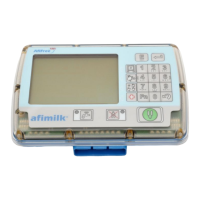
AfiMilk MPC Installation Manual
65
First Time Operation
Chapter
7
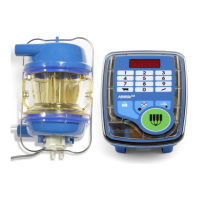
Setting-up parameters via the control box
As explained above, Afimilk MPC parameters may be set at the milking
points, via the keyboard of the control box. Access to parameters
programming mode is protected by password to prevent
coincidental
unauthorized changes
.
To enter the programming mode:
1. Ensure that Afimilk MPC is in wash mode
(
wash LED illuminated ).
2. Type and press .
Software version number alternating with
8888
on the display represents
programming mode. Once in this mode, access to parameters is enabled. Follow
the instructions below for changing specific parameters via the control box
keyboard.
Changing Parameter values
Afimilk MPC parameters are organized by groups. Each group is accessed by typing its
number:
o Group 1 - Cow parameters – Specific milking parameters
o Group 2 - System Parameters – general parameters
o Group 3 - Production Parameters
o Group 4 - Calibration Parameters – Calibration Values
When inside a group of parameters, and are used to scroll up or down to
the desired parameter. Alternatively, shortcut numbers may be used to quickly navigate
to a specific parameter.
Here is an example for parameter setting procedure sequence for changing the value of
parameter
F5
in the
Cow
parameters group
1. Ensure that Afimilk MPC is in wash mode
(
wash LED illuminated ).
2. Type
2580
and press to access programming mode.
3. Press Group access number - to enter group 1 (Cow Parameters).
Cow
appears on the display
4. Scroll down to the desired parameter using , OR press shortcut number to
access the desired parameter directly (See table on below). Example: Press
3
to
get to parameter
F5
00


 To Next Page