Chapter 1 23
Quick Start Guide
What You'll Find in This Chapter
This manual uses the following conventions:
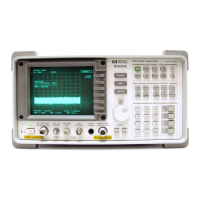
Differences between 8560 EC-Series and
E-Series Spectrum Analyzers
In all other operational respects the EC-series and E-series are
identical. Unless otherwise noted, the information in this manual
applies to all EC-series and E-series instruments.
Front-Panel Key
This font represents either a hard key, which is physically
located on the instrument, or a softkey, whose label is
determined by the instrument’s firmware.
Screen Text This font indicates text displayed on the instrument's
screen.
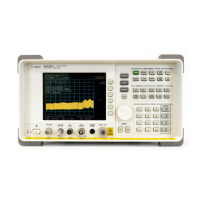
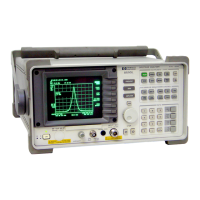
Features 8560 EC-Series 8560 E-Series
Display — LCD display
— color
— display not adjustable
— backlight bulbs are
replacable (replace both
bulbs when display is dim)
— requires A17 LCD driver
board
— CRT display
— monochrome
— display adjustable for
focus, intensity, and
quadrature
— requires high voltage
module (HVM), which is
located in the A6 power
supply
— requires A17 CRT driver
board
Fast ADC
sweep times
(FADC)
enables sweep
times of 30 ms
to 50 µs
— FADC is standard
— FADC circuitry integrated
into A2 controller board
— FADC is available as an
option (Option 007)
— separate A16 FADC board
required
VGA port — located on rear panel
— always active
— does not require user
interface
Not available



 To Next Page