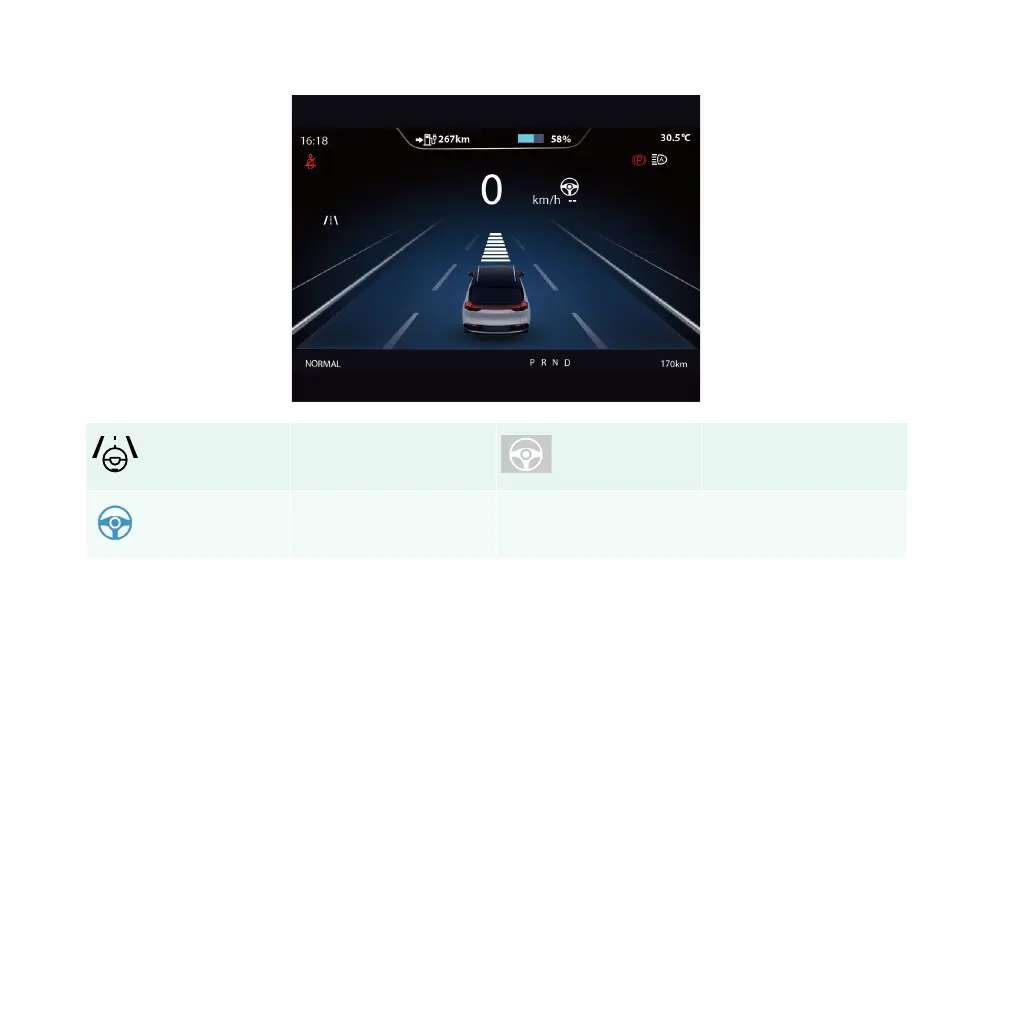
iDrive mode
Smart driving enabled in-
dicator lamp
Smart driving activation
indicator lamp
After the vehicle is started, the driver can switch between the “iDrive/ACC/SLF” modes using the “iDrive
mode” button on the left side of the steering wheel. The system defaults to SCC standby mode, with the
SCC system turned on and off in the same way as the ACC system.
When the SCC function enters standby mode, the SCC ON indicator lamp (white) will turn on and the
instrument displays “iDrive ready.” When the SCC function enters active mode, the SCC activation indicator
lamp (blue) will turn on, and the instrument displays “iDrive activated.”
If the system cannot enter the SCC mode, the instrument may pop up related prompt information. You can
try to follow the prompt information to enter the SCC mode.
WARNING:
140 | AIWAYS U5



 To Next Page