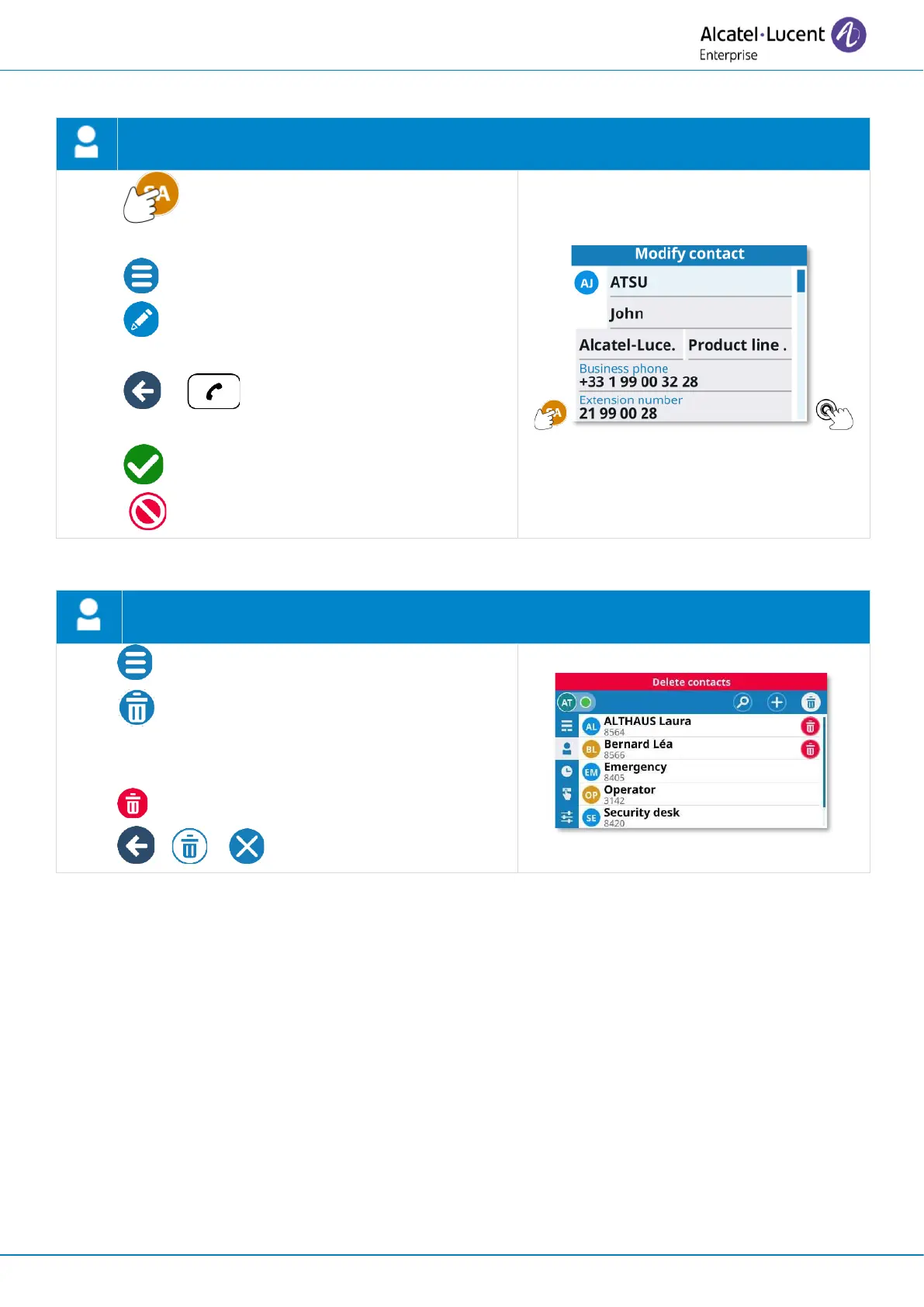
• Open the contact card by selecting the
avatar (left side).
• Open context menu (ALE-300 only).
• : edit the contact card.
• Modify the contact card.
• or : exit edit mode to save or cancel
modification (ALE-300 only).
: save the contact in your local directory
( : to go back without saving).
• Open context menu (ALE-300 only).
• Delete
Enter in 'delete' mode (the icon remains
selected).
• Delete the desired contact.
• or or Exit the deletion mode.



 To Next Page