Getting to know your telephone
8AL91446ENAA ed02 37 /113
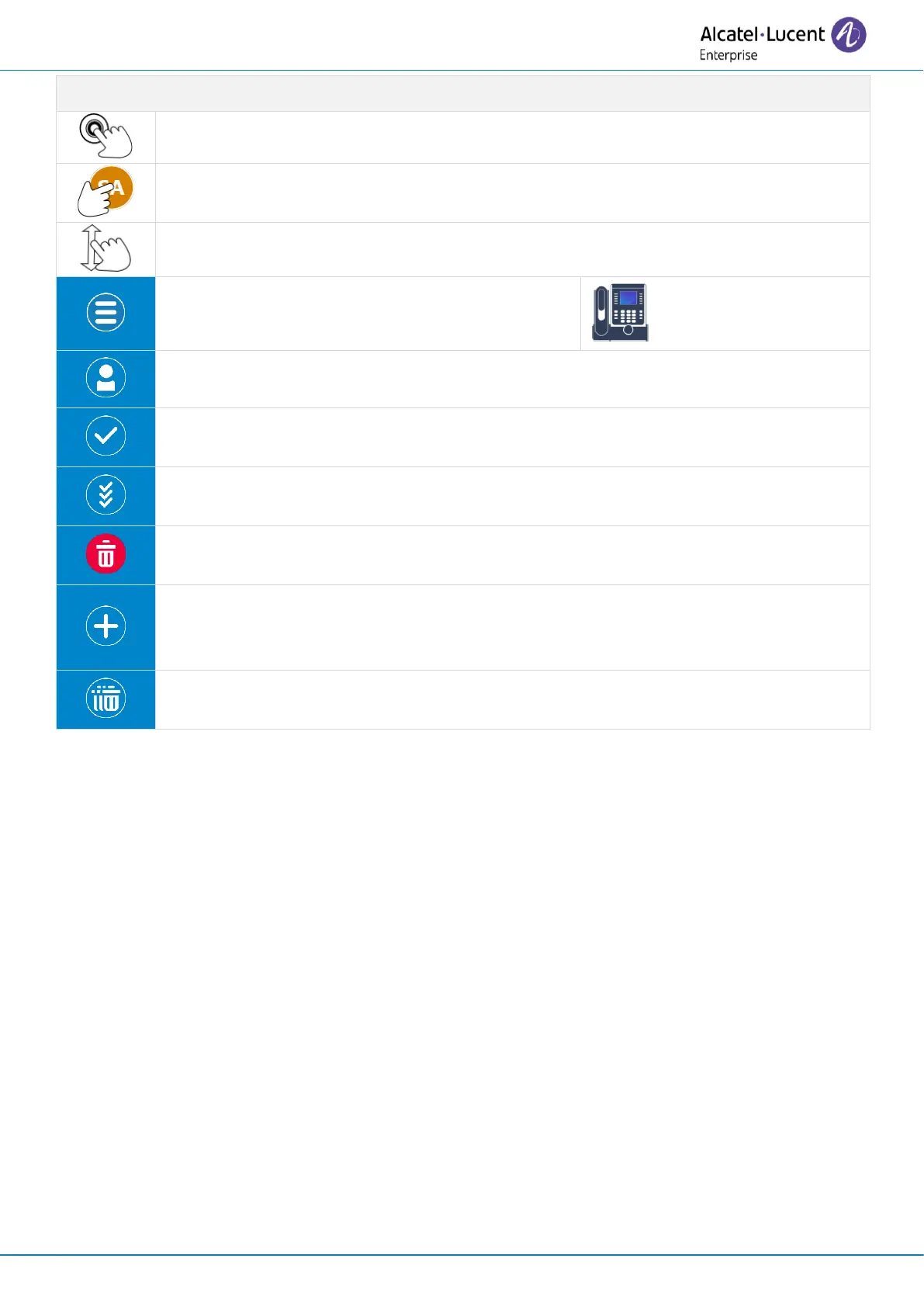
Call the selected contact. The number used is the number displayed under the name.
Open log details by selecting the avatar (left side ).
Scroll the page to display the rest of the list (touch screen or navigation keys).
Open the context menu to access the following
actions (ALE-300 only).
Detail
Open the contact card of the contact if saved in your local directory .
Mark as read
Acknowledge the selected missed call.
Acknowledge all
Acknowledge all missed calls.
Delete entry
Delete the selected entry in the call log.
Add contact
If the contact is not in your local directory, you can add it. If the contact is already in
your local directory, the contact card will be edited.
Delete all this category
Delete all contacts according to the selected filter.



 To Next Page