Programming your telephone
8AL91446ENAA ed02 82 /113
4.9.5 Send your desk phone or your add-on module to support
Please remove customization kit before sending back your desk phone or your add-on module
to hardware support as hardware support will send back a generic phone. Please refer to the
accessories section to see how to remove the customization kit.
4.9.6 Restore factory settings
Warning, all configuration data will be deleted.
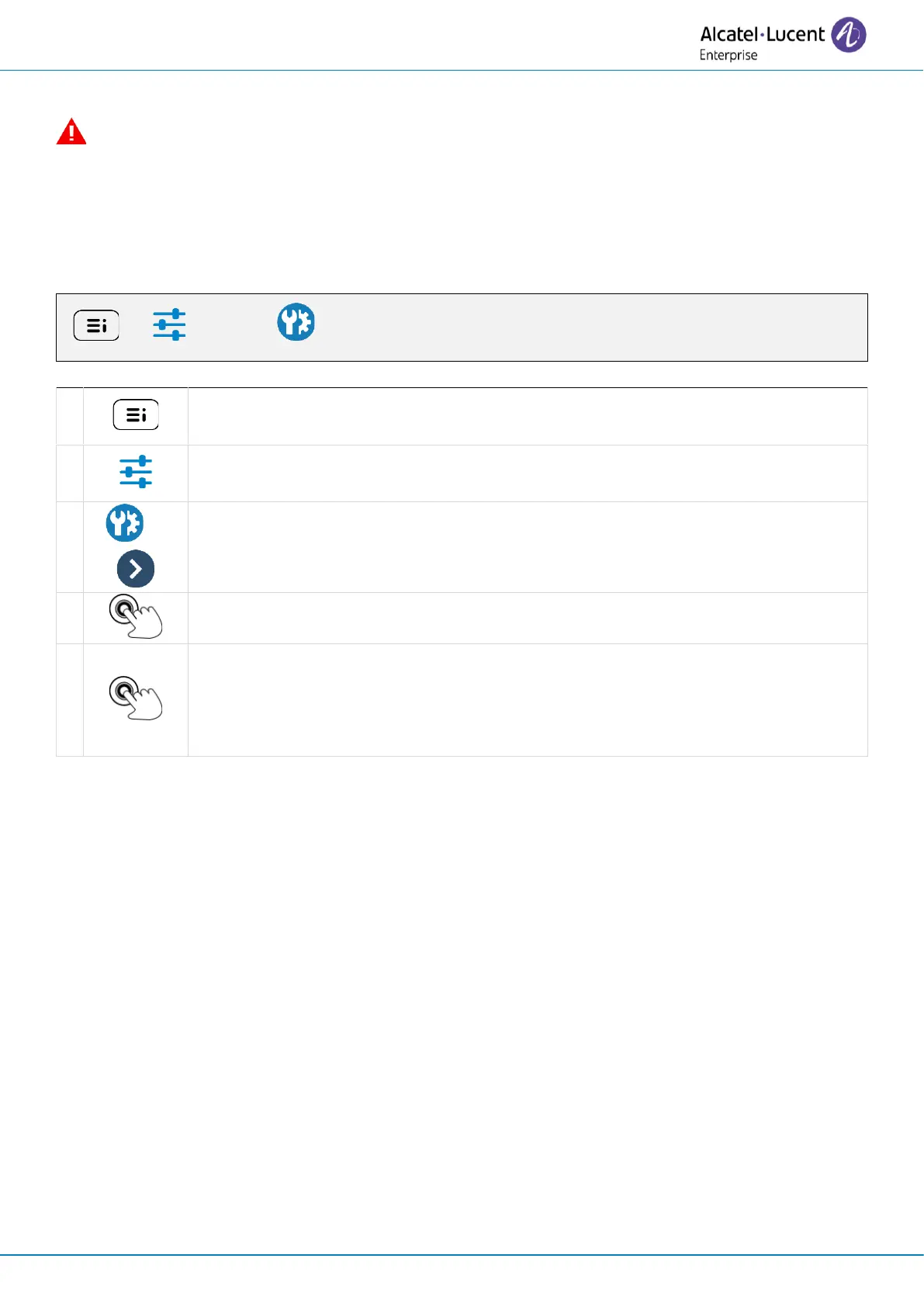
Access the local user menu. With the ALE-500 and ALE-400, the dashboard lets
you access directly to the local menu.
Open advanced settings by selecting the icon (ALE-500/ALE-400) or using the
right navigator key (ALE-300).



 To Next Page