Programming your telephone
8AL91446ENAA ed02 83 /113
4.9.7 NOE mode
If requested by your administrator, you can run the desk phone in NOE mode.
The NOE mode software has to be installed on your desk phone. Please view the software
information to check this.
The communication server has to be configured to register your desk phone. Switch to NOE mode
only if requested by your administrator.
Please note that switching to NOE mode will result in the deletion of all configurations and
information, including call logs, contacts and other data.
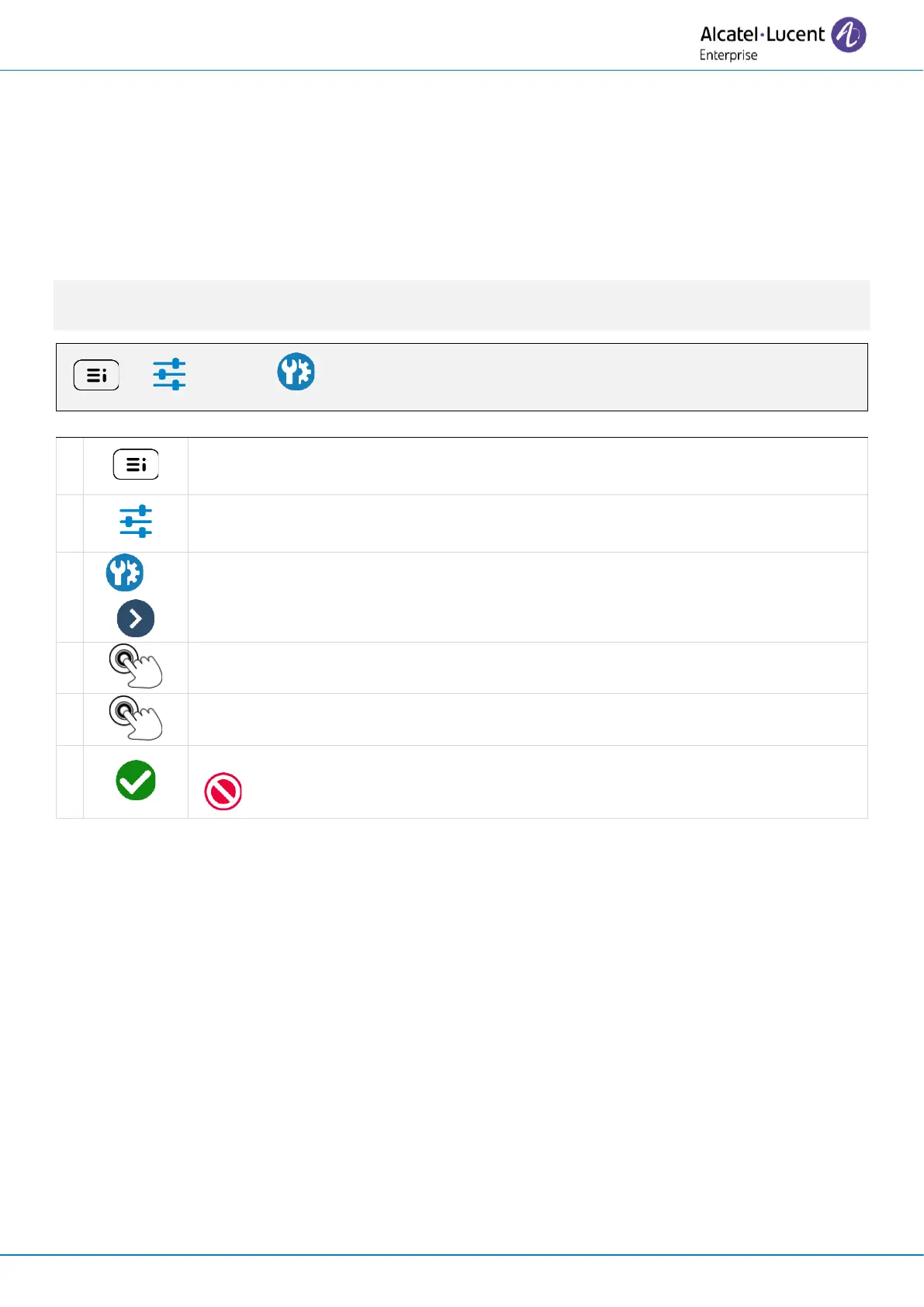
Access the local user menu. With the ALE-500 and ALE-400, the dashboard lets
you access directly to the local menu.
Open advanced settings by selecting the icon (ALE-500/ALE-400) or using the
right navigator key (ALE-300).



 To Next Page